
Transcribe Video to Text
Get accurate video transcription for MP4, MOV, WebM, MPEG, M4V, and other popular video formats. Convert spoken content into searchable, editable text in seconds.
Transcribe a Video for Free with AI
Use our AI video transcriber to create accurate, searchable transcripts that are easy to read, edit, and share.
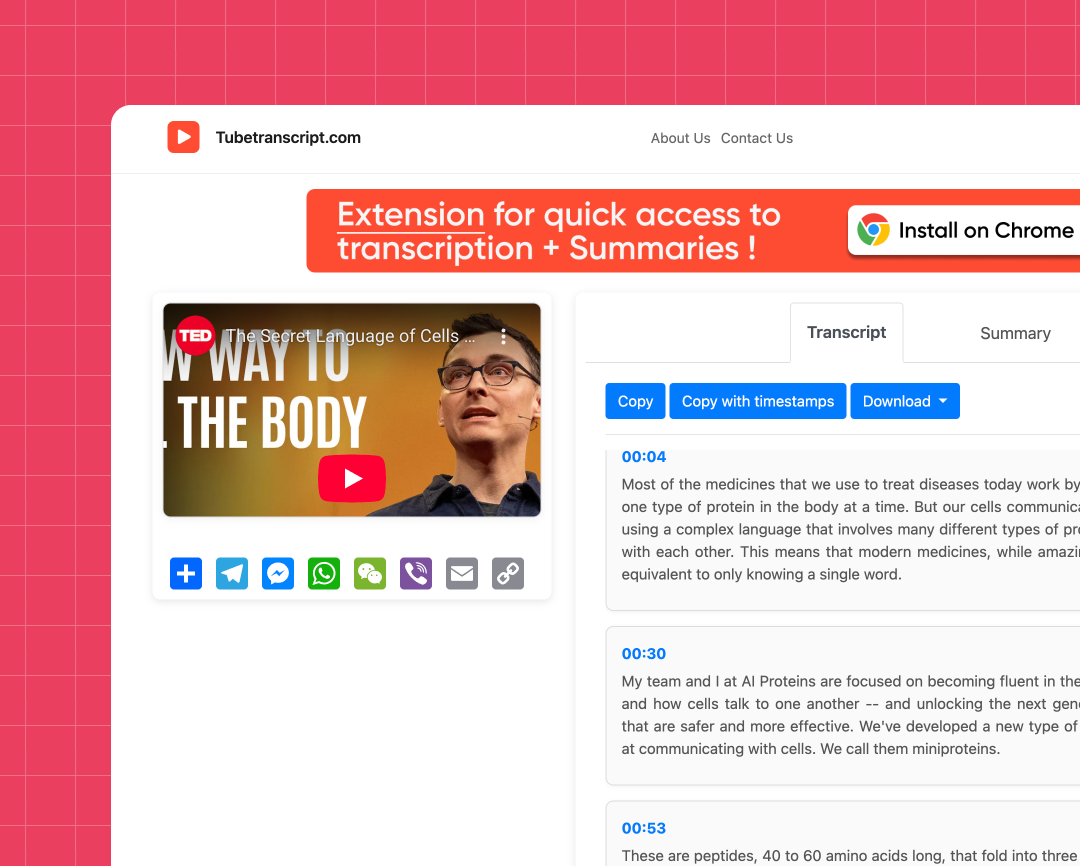
Fast Video to Text Conversion
Turn videos into searchable, editable text with fast AI video transcription in just a few clicks.
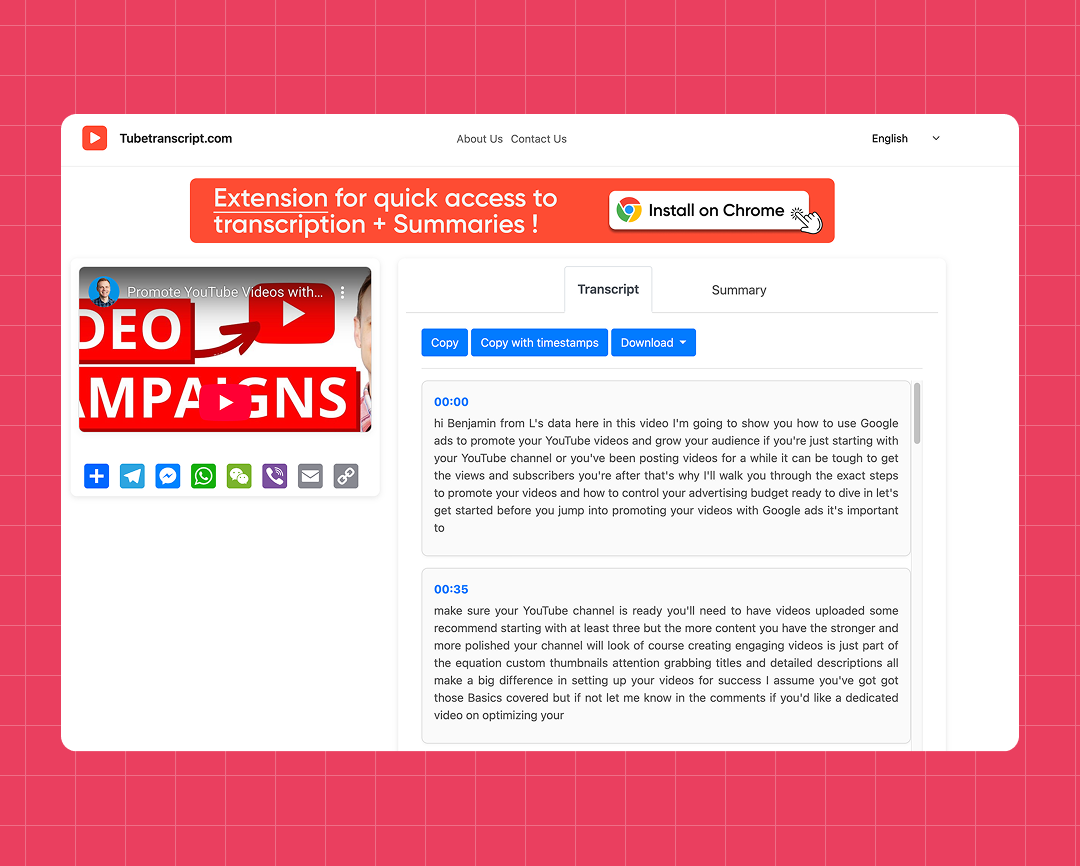
Multi-Format Export
Download your video transcript as TXT, SRT, or VTT. Include timestamps when you need precise, time-coded transcripts.
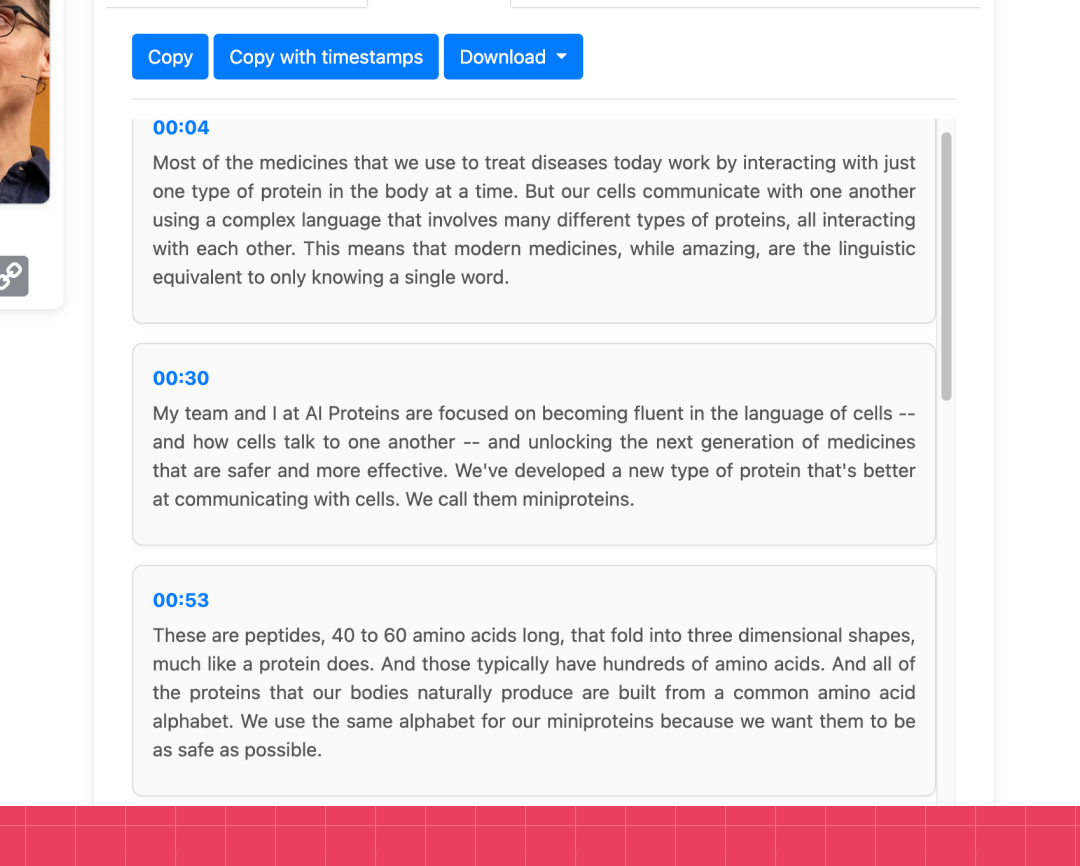
Multi-Language Support
Transcribe videos in over 50 languages with AI. Create accurate transcripts from content in multiple languages.
How to transcribe a video to text
Transcribing video to text has never been easier. Follow the steps below to create an accurate transcript from your video.
Steps:
- Upload your video (MP4, MOV, WebM, MPEG, M4V, and more).
- Click “Generate” to start the AI video transcription.
- Wait while your video is processed.
- Copy or download your transcript in your preferred format.
Transcribe Video to Text Free and Online
Reliable Results
Turn spoken content into clear, readable transcripts for work, study, or personal projects.
Privacy-First Processing
Your videos are processed securely throughout transcription and aren’t stored after processing is complete.
Supports Popular Video Formats
Upload MP4, MOV, WebM, MPEG, M4V, and other popular video formats without converting your files before transcription.
Flexible Timestamp Options
Download your transcript with timestamps for easier navigation or without them for uninterrupted reading.
Easy to Use
The transcription process is straightforward, from uploading your video to downloading the finished transcript.
No Software Required
Everything works directly in your browser. Simply upload your video, generate the transcript, and download the results.
Try our other free tools
"App always works"
"Super fast!"
"It installs with just 1 click"
Customer Reviews – Free Transcribe Video to Text Converter
⭐️⭐️⭐️⭐️⭐️ 4.9 200,000+ users

Ahmet Akın
I really liked it and I recommend it!

Antoine Pierre
This website is helping me soo much in school when I do not understand some videos

Dero Zuhaib
Excellent Job! Most easy way to understand anything.

Tassawer Amir
AMAZING EASY AND FREE!

Gaurav
Excellent, it’s Tran scripting hours of busy schedule to seconds. Thanks a lot to the person who developed and shared it.

Dorian S
Works beautifully. Highly accurate for many of my videos. I recommend.

Deepak
Great tools very accurate I just love it, reccomend everyone who love to write, read and create meaningfull content

Mateus
Excellent Job! Most easy way to understand anything.

Jorge
Very useful in studying videos especially for longer videos and want to take notes.
FAQ – Transcribe Video Free
- What file types can I use to transcribe video to text?
You can upload popular video formats, including MP4, MOV, WebM, MPEG, and M4V. Once uploaded, the tool automatically processes your video and generates a transcript.
- Can I transcribe videos in different languages?
Yes. The tool supports video transcription in more than 50 languages and works with multilingual video content.
- Can I transcribe academic lectures and research interviews?
Yes. The tool works well for lectures, research interviews, seminars, presentations, and conference sessions. Simply upload your recording to generate a transcript.
- What export formats are available?
You can download your transcript as TXT, SRT, or VTT, or simply copy the text to your clipboard.
- Will my transcript be accurate?
Transcription accuracy depends on the quality of your video. Clear recordings with minimal background noise typically produce the best results.
- Is it possible to transcribe a video for free?
: Yes. Simply upload your video to generate a transcript that you can review, copy, or download.