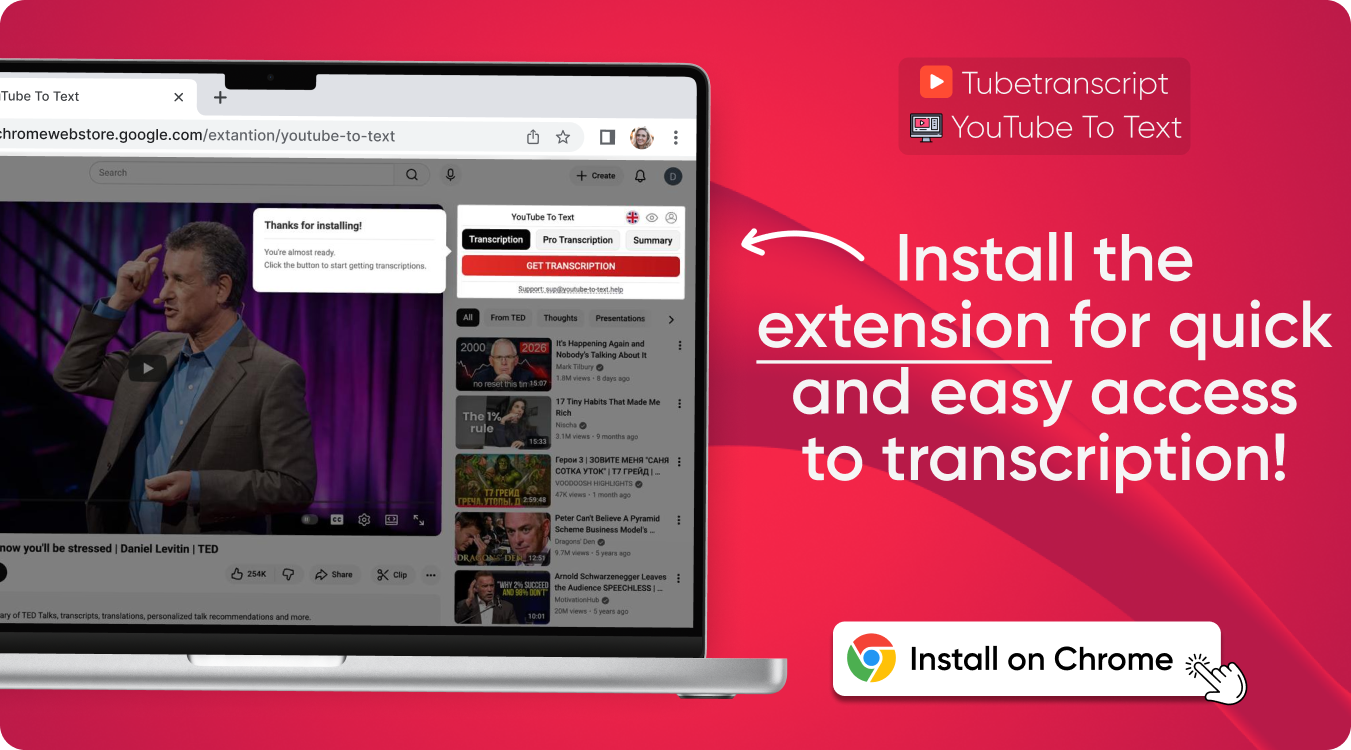

Transcript for YouTube Videos
Get transcripts from YouTube videos instantly and accurately in any language for editing, translation, and content creation
YouTube video to transcript – simple and easy
Turn any YouTube video into text in one step. This tool generates transcripts by extracting subtitles, making it easy to review, translate, and reuse content.
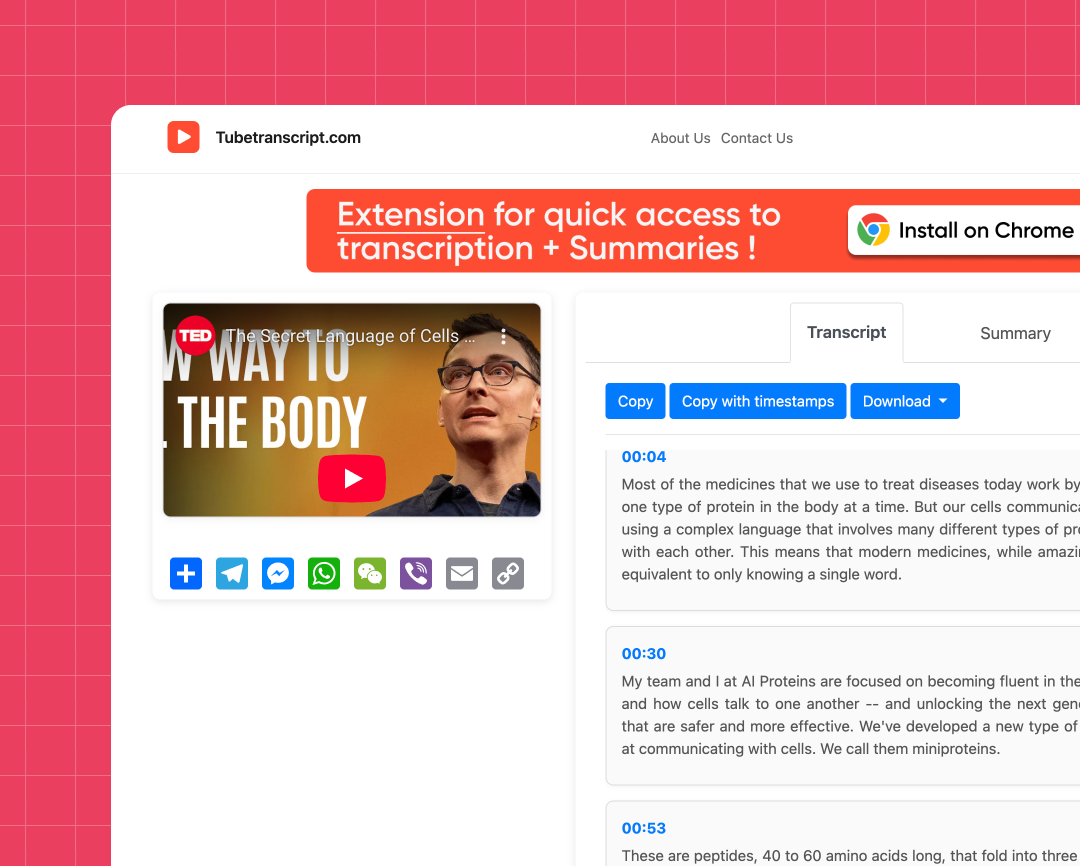
Fast subtitle extraction
Just paste the link, and the subtitles will be automatically found and ready to download.
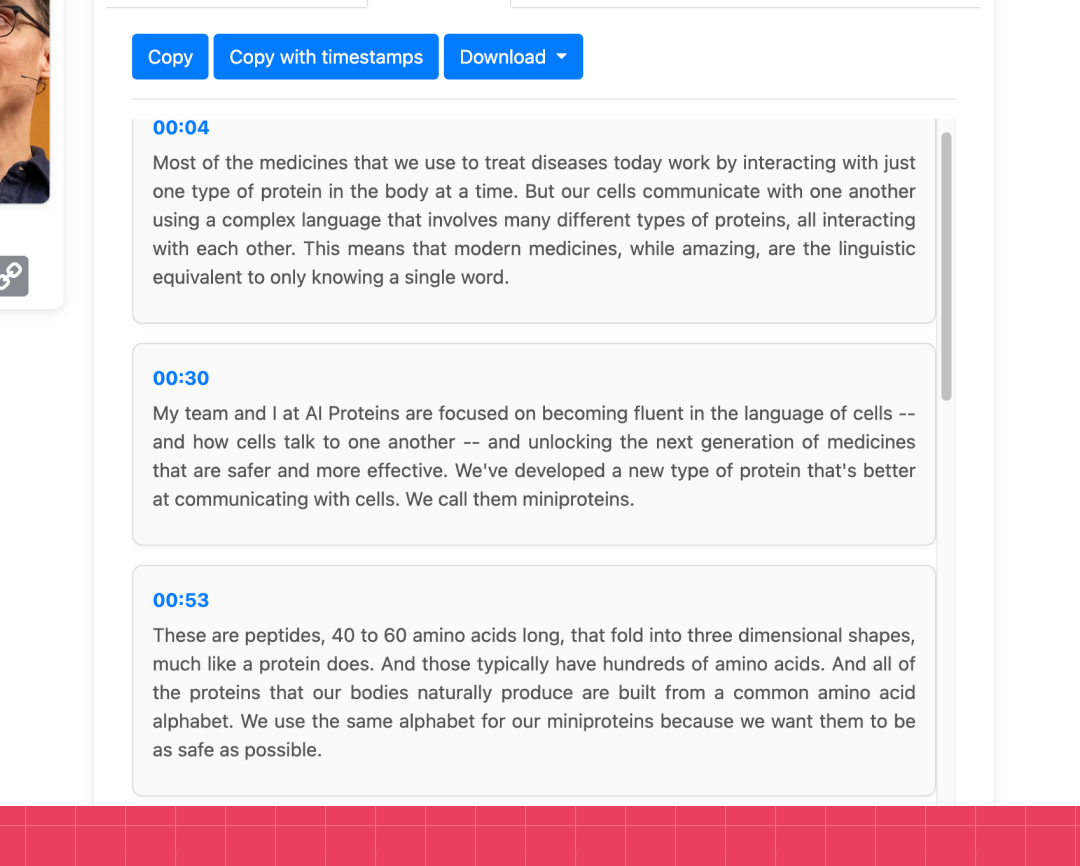
Easy copy and download
Copy or download your YouTube transcript in one click so you can save, share, or reuse it anytime.
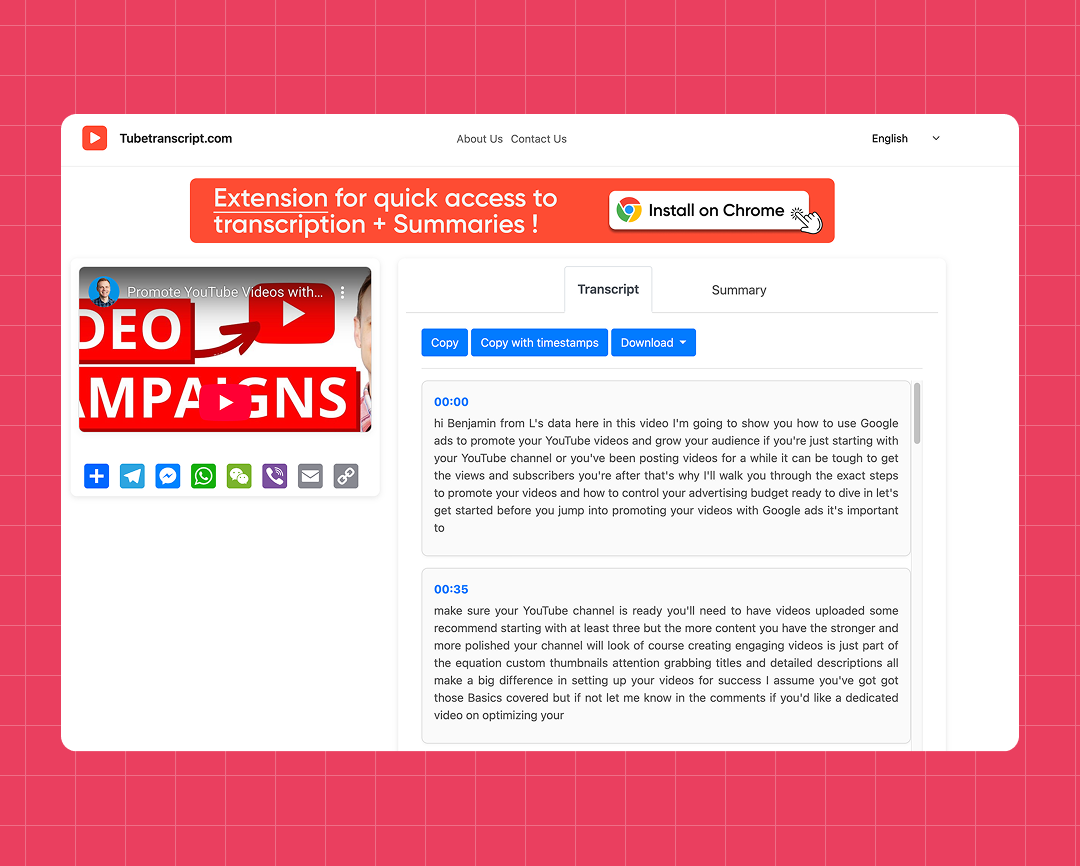
Supports different subtitle types
Supports auto-generated, manual, and multilingual subtitles
How to get a transcript of a YouTube video
Steps:
- Paste the video link into the input field to convert the YouTube video to transcript
- Click “Generate”
- Wait a few seconds while the subtitles are processed
- Copy the text or download the file to your device
Transcript for YouTube videos online
Works in any language
Get transcripts in different languages, so you can easily understand, translate, and reuse content.
Works in any browser
Everything runs online, so you can download YouTube subtitles as text without installing any software.
Works with long videos
Handles even long YouTube videos without issues and gets the text quickly
Safe and private
Your data stays secure and isn’t stored or shared.
Clean, organized output
Get transcripts that are easy to read, edit, and reuse for other content.
Accurate subtitle detection
Subtitles are found automatically, even if they’re not visible in the player.
Try our other free tools
"App always works"
"Super fast!"
"It installs with just 1 click"
Customer Reviews – Transcripts for YouTube Videos
⭐️⭐️⭐️⭐️⭐️ 4.9 200,000+ users

Ahmet Akın
I really liked it and I recommend it!

Antoine Pierre
This website is helping me soo much in school when I do not understand some videos

Dero Zuhaib
Excellent Job! Most easy way to understand anything.

Tassawer Amir
AMAZING EASY AND FREE!

Gaurav
Excellent, it’s Tran scripting hours of busy schedule to seconds. Thanks a lot to the person who developed and shared it.

Dorian S
Works beautifully. Highly accurate for many of my videos. I recommend.

Deepak
Great tools very accurate I just love it, reccomend everyone who love to write, read and create meaningfull content

Mateus
Excellent Job! Most easy way to understand anything.

Jorge
Very useful in studying videos especially for longer videos and want to take notes.
FAQ
- How to get transcript from YouTube video?
Paste the video link, click “Generate”, then copy the subtitles or download the file.
- Is Transcript for YouTube videos free to use?
Yes, it’s free to use, with quick access and no setup needed.
- What formats can I download subtitles in?
Choose SRT, VTT, or TXT, all easy to edit, translate, and store. You can also download them with or without timestamps.