
M4A to Text
Need to transcribe M4A to text? Our AI tool creates accurate transcripts from M4A audio files for work, study, research, and content creation.
M4A to Text – AI Audio Transcription
Convert sound file to text and make your recordings easier to search, organize, and reuse whenever you need them.
Multi-Language Support
No matter what language your recording is in, the tool accurately transcribes M4A files in over 50 languages from around the world.
Multi-Format Export
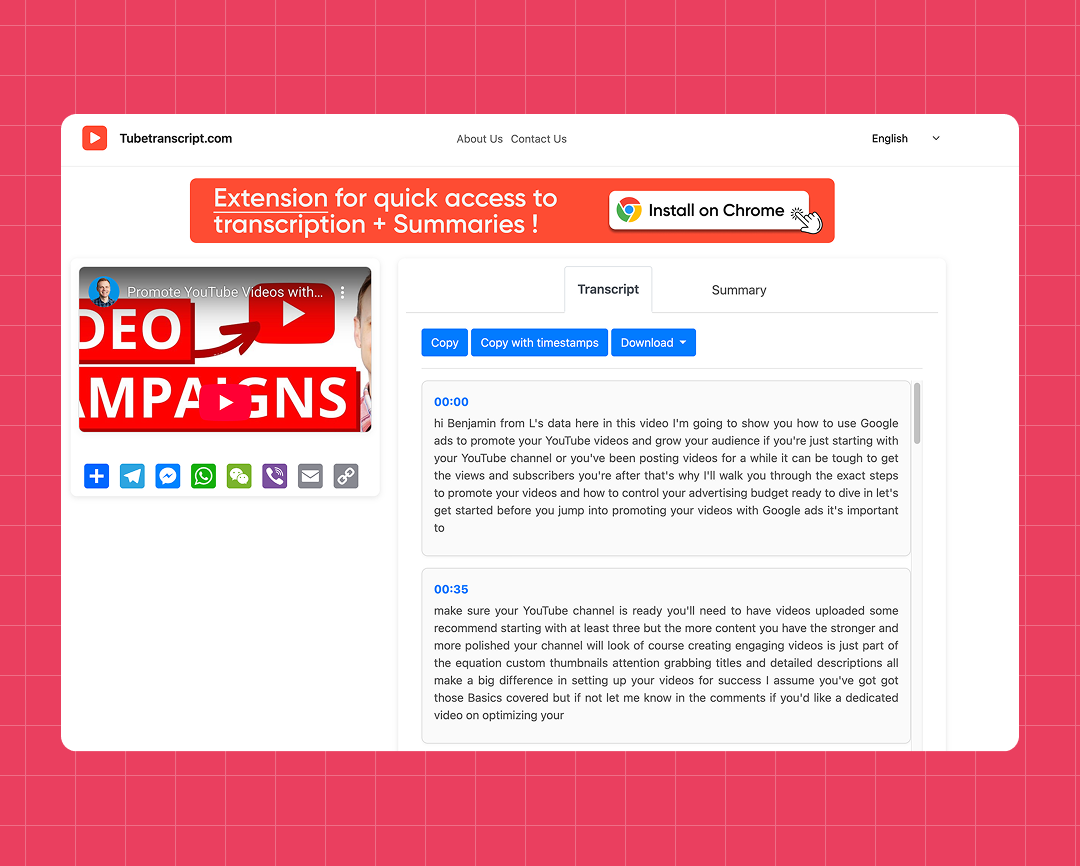
Save your transcript as TXT, SRT, or VTT, with the option to include timestamps when you need them.
High Accuracy
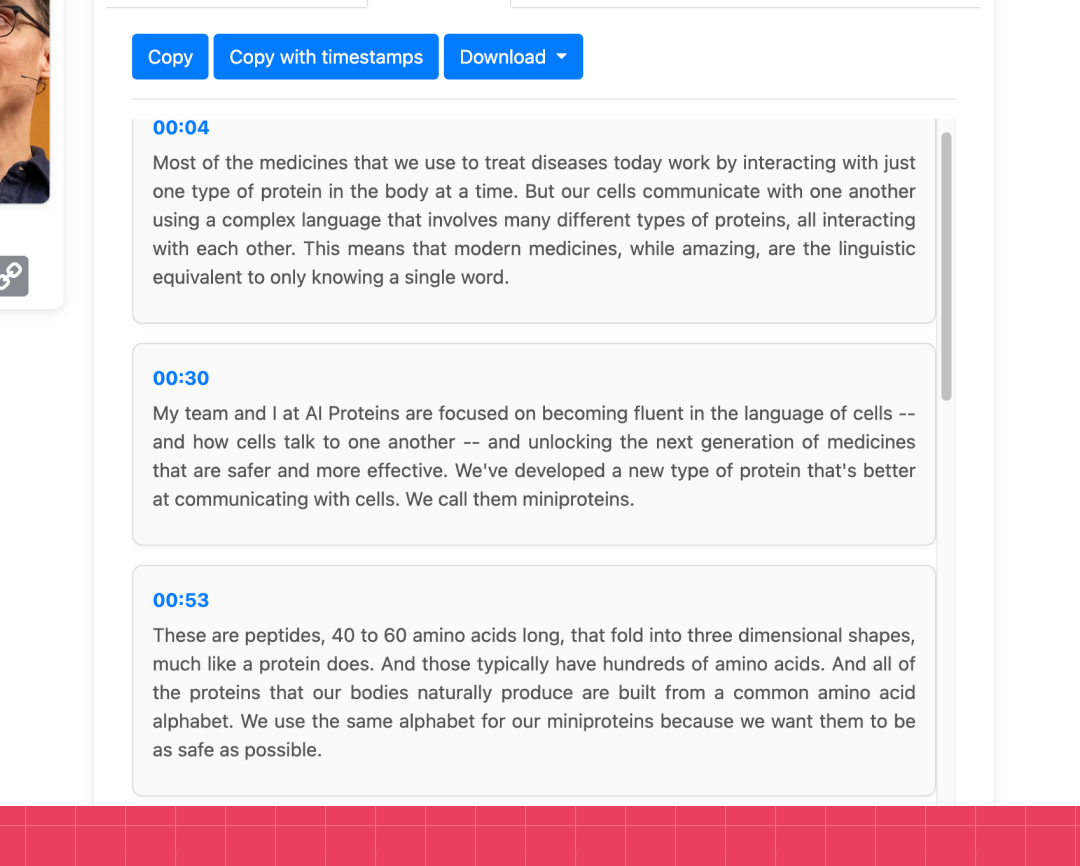
AI delivers accurate transcripts that are easy to read, review, and use for work, study, or personal projects.
How to convert M4A to text
Converting an M4A file into text is quick and easy with AI. Just follow these simple steps:
Steps:
-
- Upload your M4A file or drag and drop it into the uploader.
- Click “Generate” to start converting your audio into text.
- Wait while AI processes your recording and creates the transcript.
- Copy or download your finished transcript for editing, sharing, or future use.
M4A to Text Converter Free
Easy to Use
Upload your M4A file and get a clean, accurate transcript in seconds – no technical skills needed.
AI Powered Transcription
Generate high-quality transcripts from M4A files with AI that accurately recognizes spoken audio.
Private & Secure
Audio files are processed securely and deleted after transcription. We never store, share, or use your content.
With or Without Timestamps
Choose whether to include timestamps for easier navigation or create a clean transcript for reading and editing.
Handles Long Recordings
From short voice memos to hour-long recordings, the tool handles M4A files of any length and delivers a full transcript every time.
No File Conversion Needed
Upload your M4A files directly and start transcribing right away. There’s no need to convert your audio into another format before uploading.
Try our other free tools
"App always works"
"Super fast!"
"It installs with just 1 click"
Customer Reviews – Free M4A to Text Converter
⭐️⭐️⭐️⭐️⭐️ 4.9 200,000+ users

Ahmet Akın
I really liked it and I recommend it!

Antoine Pierre
This website is helping me soo much in school when I do not understand some videos

Dero Zuhaib
Excellent Job! Most easy way to understand anything.

Tassawer Amir
AMAZING EASY AND FREE!

Gaurav
Excellent, it’s Tran scripting hours of busy schedule to seconds. Thanks a lot to the person who developed and shared it.

Dorian S
Works beautifully. Highly accurate for many of my videos. I recommend.

Deepak
Great tools very accurate I just love it, reccomend everyone who love to write, read and create meaningfull content

Mateus
Excellent Job! Most easy way to understand anything.

Jorge
Very useful in studying videos especially for longer videos and want to take notes.
FAQ – Audio to Transcript
- How accurate is M4A transcription?
Our AI delivers highly accurate transcripts, even with different accents and moderate background noise. Clear audio recordings provide the best results.
- In which formats can I save my transcript?
Save your transcript as TXT, SRT, or VTT, depending on how you plan to use it.
- Is M4A to text free?
Yes. Our free M4A to text converter creates accurate transcripts that you can copy or download in just a few clicks.
- Does the M4A to Text Converter support multiple languages?
Yes. It supports transcription in over 50 languages, including English, Spanish, French, German, Japanese, and many more.
- Can I transcribe lectures and interviews?
Yes. It’s ideal for transcribing lectures, interviews, meetings, podcasts, and other spoken recordings into accurate text.