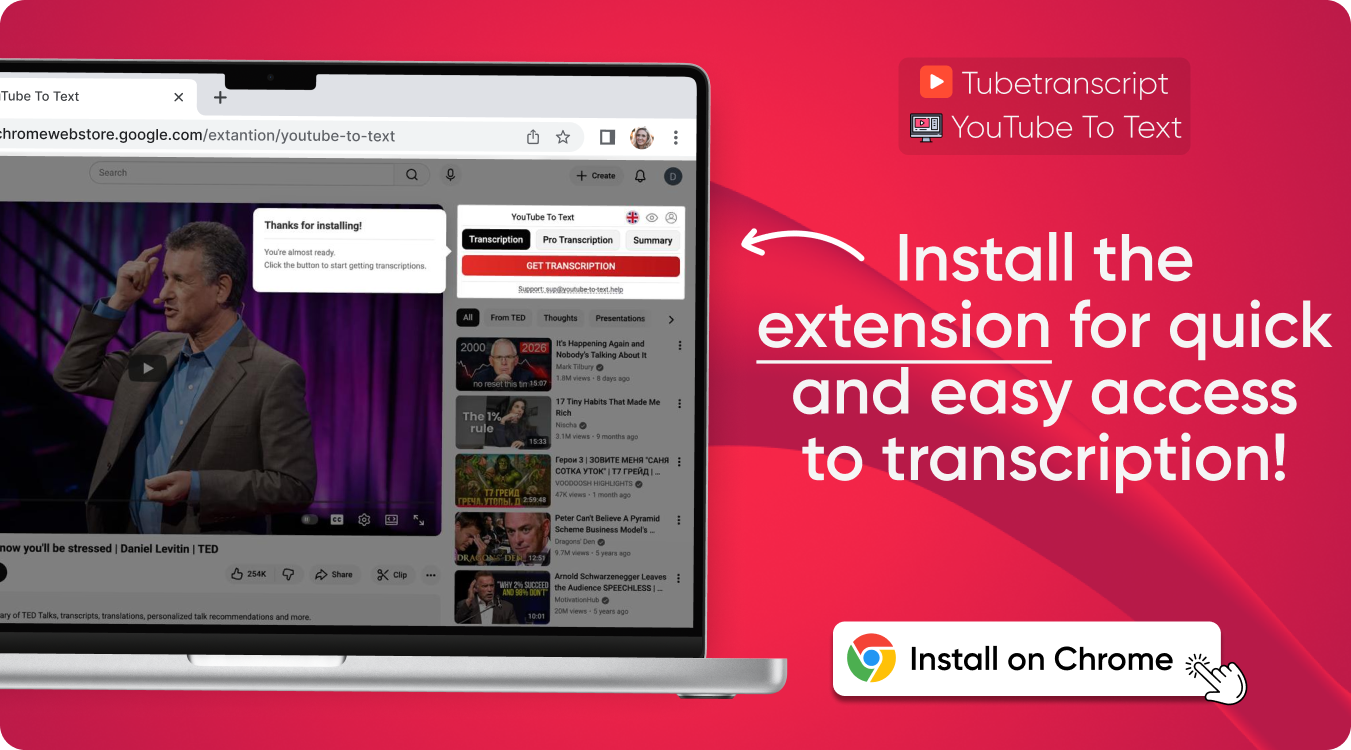

Youtube Link to Transcript
Easily transcribe YouTube video to text and download subtitles in multiple formats.
Youtube Link to Transcript – Fast and accurate results.
YT transcript online for free. Download YouTube subtitles in any language with accurate timestamps and support for multiple file formats.
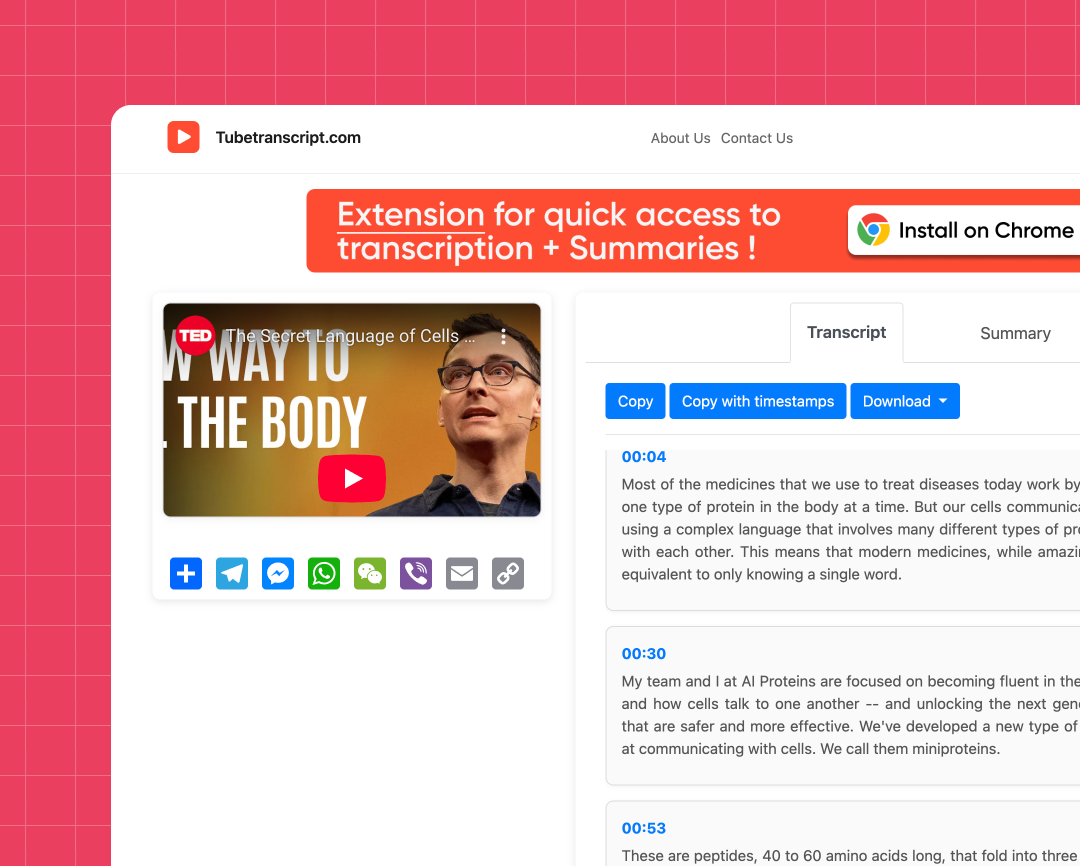
Flexible Export Options
Save transcripts in SRT, VTT, TXT, or plain text files for flexible use across different workflows.
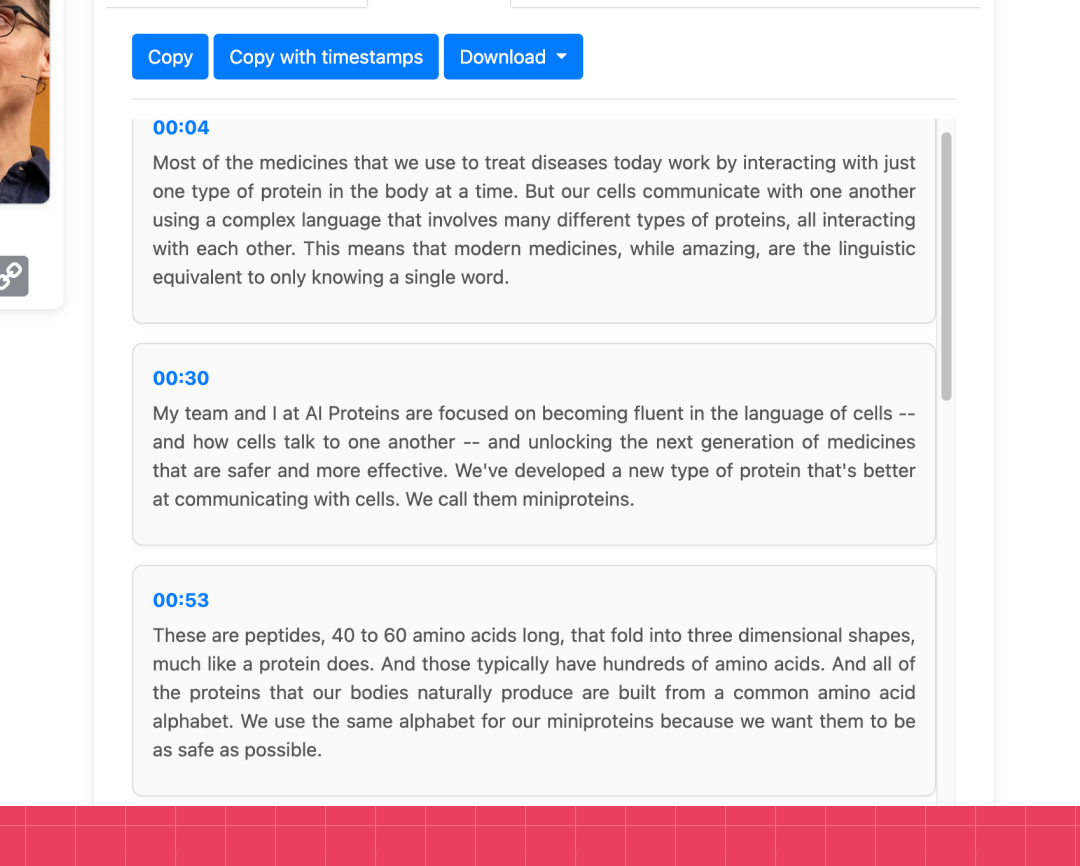
Clear and Organized Text
Get clean transcripts with readable formatting and accurate timestamps.
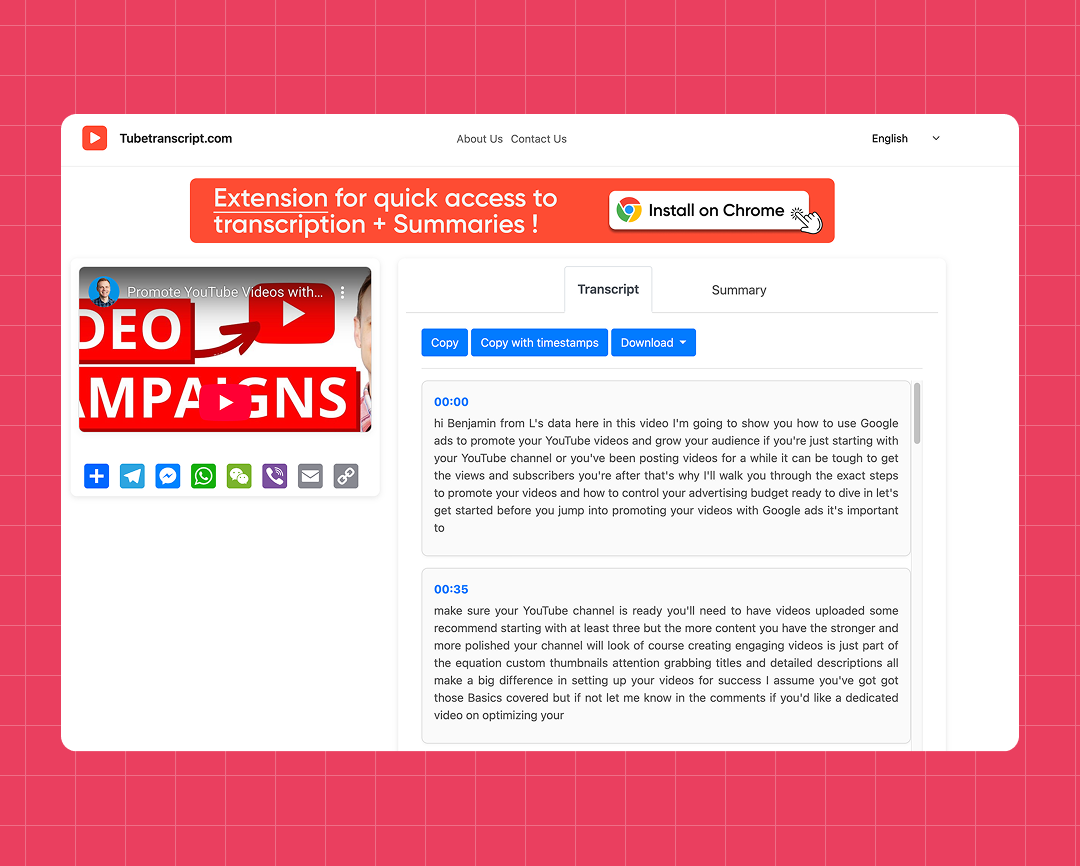
Supports Multiple Caption Types
Compatible with auto captions, manual subtitles, and multilingual subtitles.
How to transcribe a YouTube video to text
Follow these simple steps to create a transcript from a YouTube video.
Steps:
- Paste the YouTube link into the input box
- Click “Generate” to start processing
- Wait a few seconds while the transcript is created
- Copy the text or download the file in SRT, VTT, TXT, or plain text format
Get YT transcript online with fast and reliable processing
Works Online in Any Browser
Get YT transcript directly in your browser without installing software.
Smart Caption Detection
The tool automatically finds available captions, even if they are not displayed directly in the YT player.
Handles Long Videos
Transcribe YouTube videos to text quickly, even for long videos and full-length content.
Supports Multiple Languages
Generate readable transcripts from YouTube videos in multiple languages quickly and easily.
Safe and private
Your information stays protected and is never saved or shared.
Fast Subtitle Processing
Convert YouTube captions into text instantly with a simple and smooth workflow.
Try our other free tools
"App always works"
"Super fast!"
"It installs with just 1 click"
Customer Reviews – Youtube Link to Transcript
⭐️⭐️⭐️⭐️⭐️ 4.9 200,000+ users

Ahmet Akın
I really liked it and I recommend it!

Antoine Pierre
This website is helping me soo much in school when I do not understand some videos

Dero Zuhaib
Excellent Job! Most easy way to understand anything.

Tassawer Amir
AMAZING EASY AND FREE!

Gaurav
Excellent, it’s Tran scripting hours of busy schedule to seconds. Thanks a lot to the person who developed and shared it.

Dorian S
Works beautifully. Highly accurate for many of my videos. I recommend.

Deepak
Great tools very accurate I just love it, reccomend everyone who love to write, read and create meaningfull content

Mateus
Excellent Job! Most easy way to understand anything.

Jorge
Very useful in studying videos especially for longer videos and want to take notes.
FAQ – YouTube video link to transcript
- Which subtitle formats can I download?
You can download subtitles in SRT, VTT, or TXT format, with or without timestamps for easier editing and reading.
- How to transcribe YouTube video to text?
Paste the YouTube link into the converter and click “Generate” to get a YouTube transcript. Once it is ready, you can copy the text or download the file.
- Can I download subtitles with timestamps?
Yes, you can download YouTube subtitles with timestamps or plain text without time markers.
- Can I use the YT transcript tool for free?
Yes, the tool is free to use and works instantly without registration or installation.