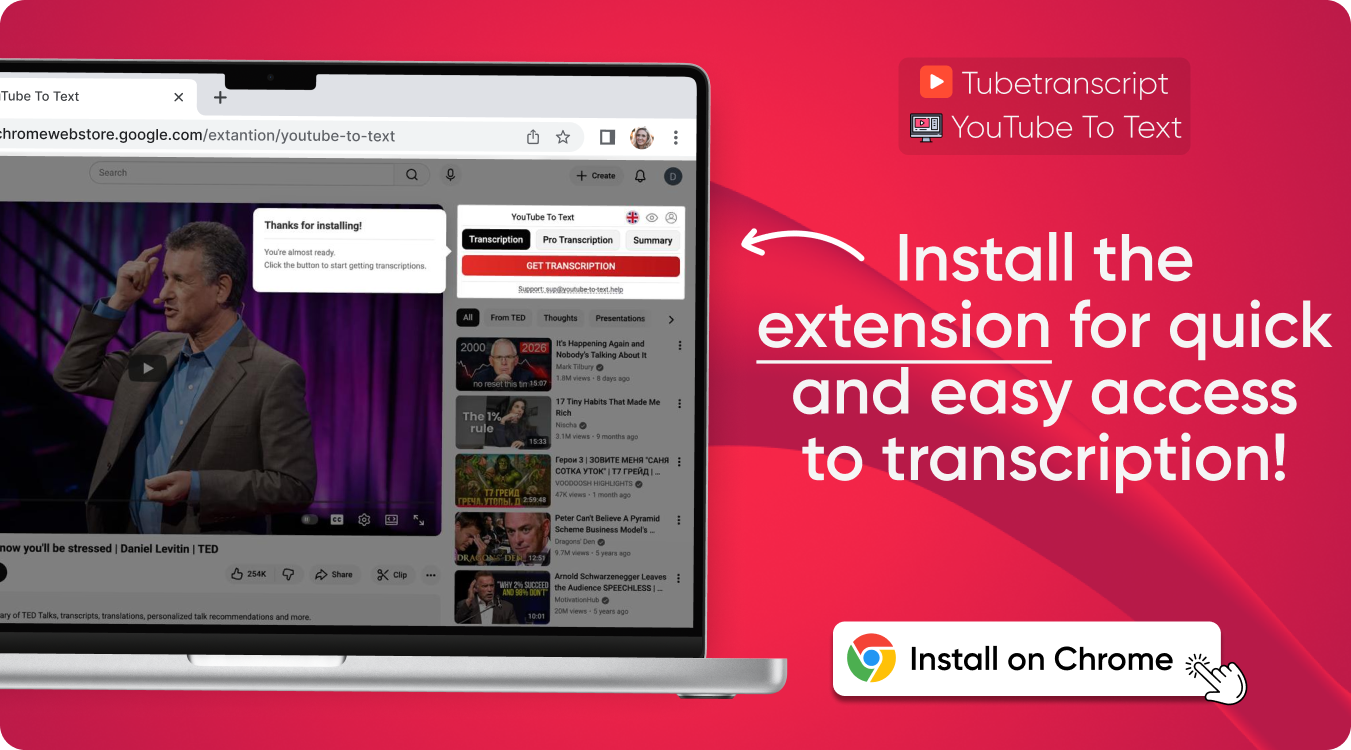

YouTube Subtitle Downloader
Download subtitles from any YouTube video instantly. Use our tool to download youtube subtitles in any language as SRT, TXT or VTT with clean, accurate formatting.
Download Subtitles From YouTube
Our tool provides the most reliable youtube subtitle download process, extracting caption tracks automatically, formatting them correctly, and exporting them in multiple file types with clean, accurate timing.
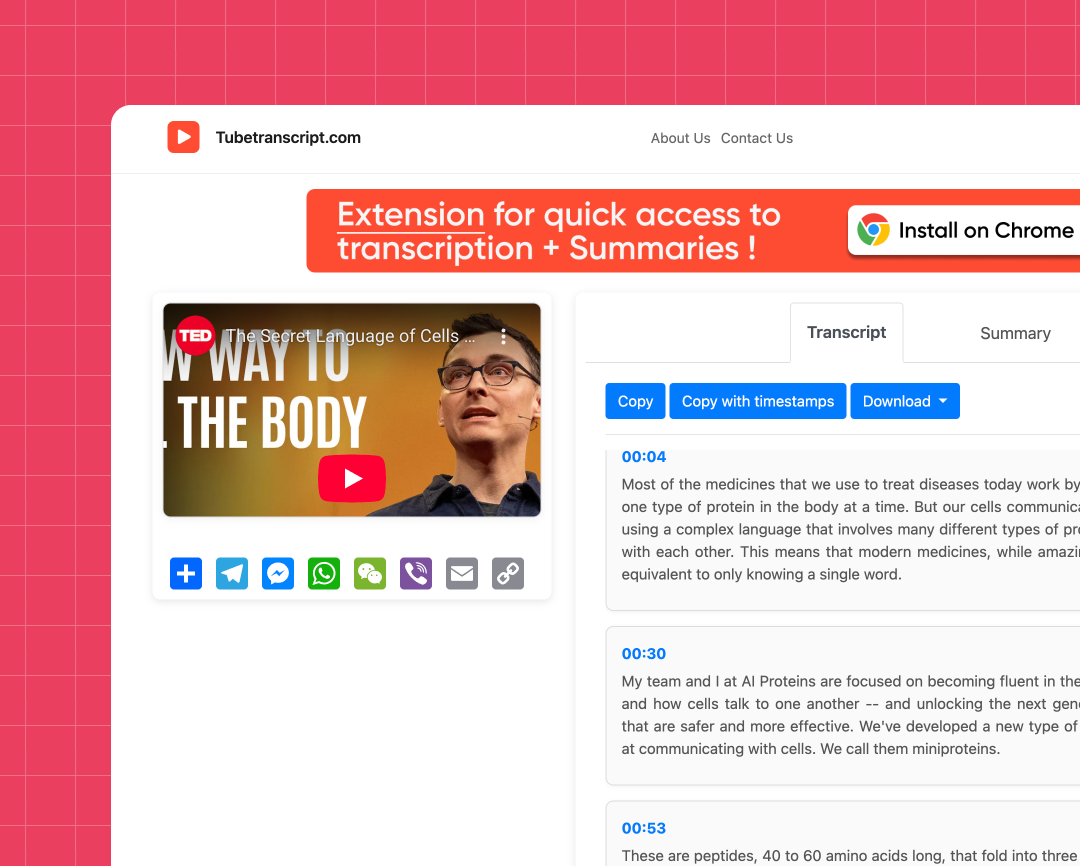
Supports all subtitle types
Download closed captions, auto-generated subtitles, manual uploads, and multilingual tracks.
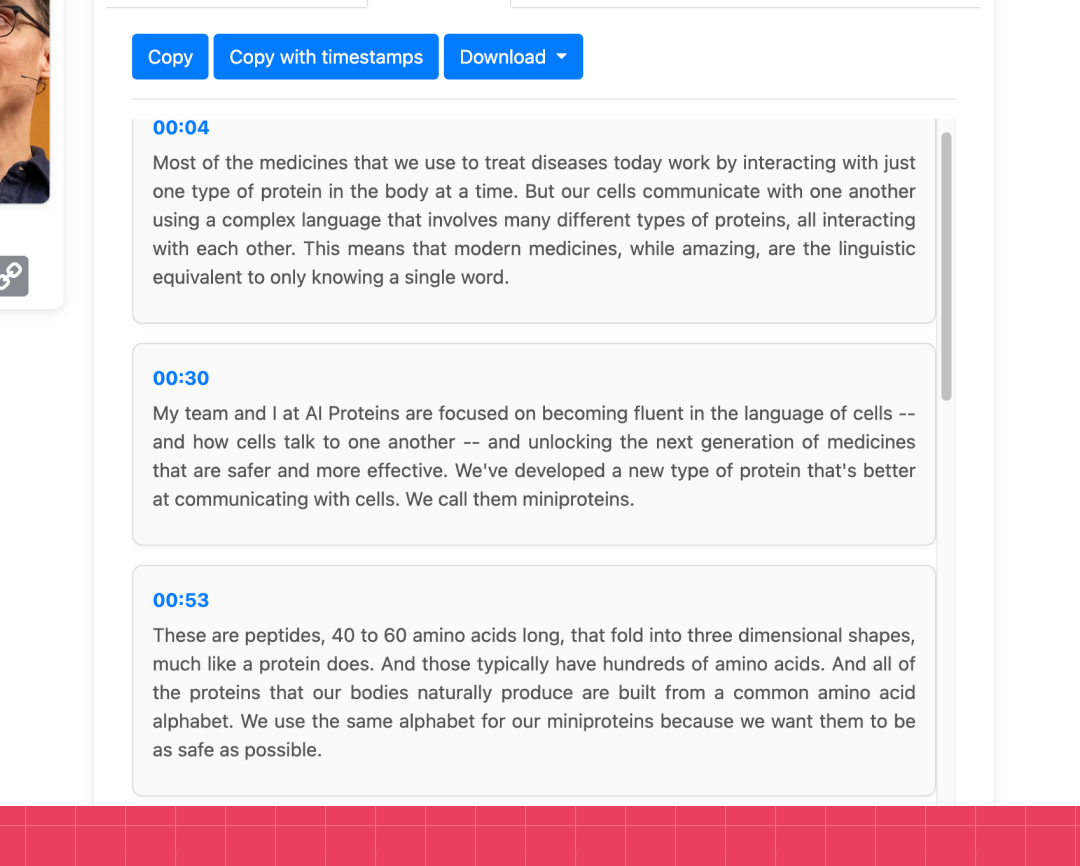
Clean caption structure
Timestamps remain accurate for any exported file, ensuring a precise youtube subtitles download experience for any type of video.

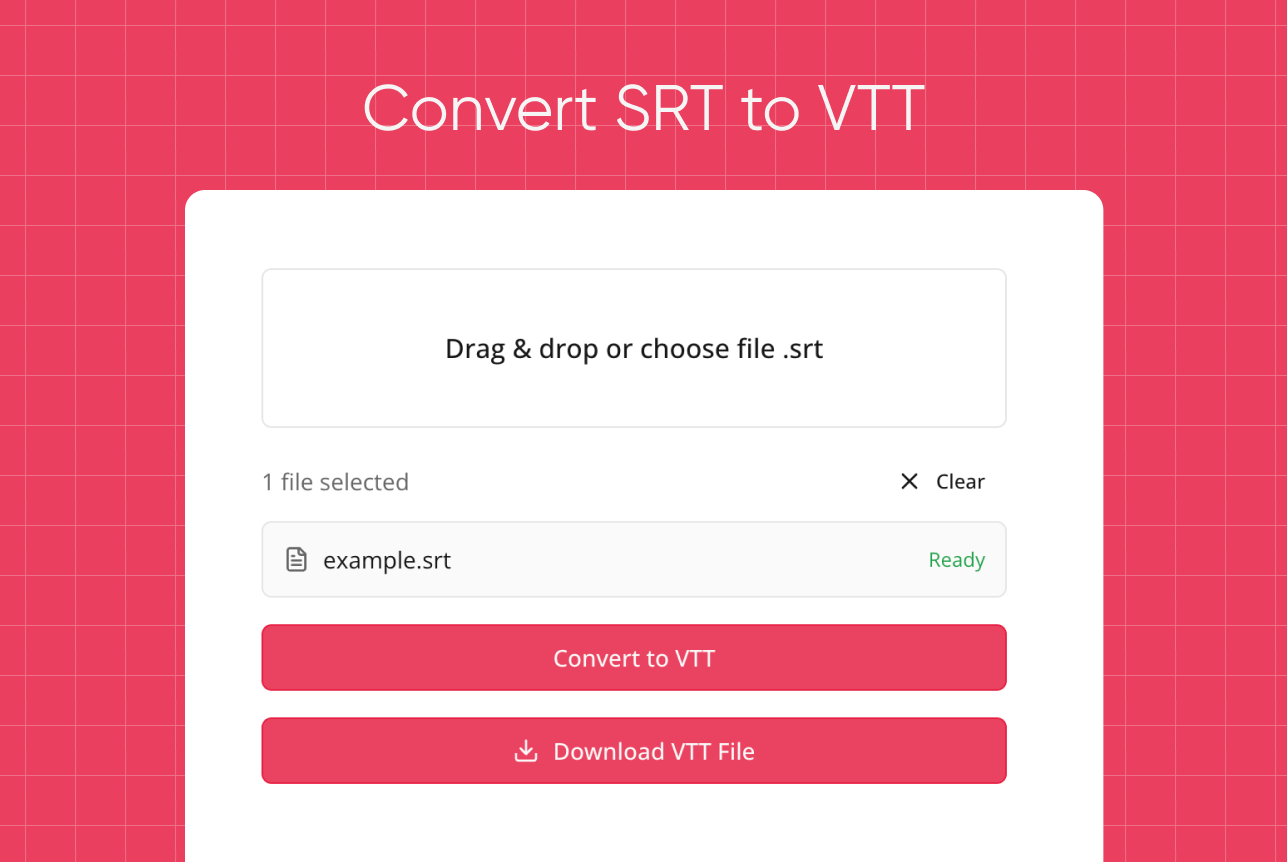
Multiple subtitle formats
Choose SRT, VTT, TXT, or raw transcript. Ideal for editing, translation, or archiving.
YouTube Video Embed Subtitle Download
Follow these steps to extract embedded or on-player captions. This method works even for videos where standard tools cannot download captions from youtube, providing clean and accurate subtitle files with correct timestamps.
- Paste a link.
- The system detects all available caption tracks, including embedded on-player subtitles.
- Choose the preferred track or embedded stream.
- Click Download to export subtitles in SRT, VTT, or TXT format.
Download YouTube Captions
No limits
Download as many caption tracks as you want — the tool handles unlimited requests, making any download youtube subs workflow fast and simple.
Works in any browser
No installation needed — works immediately on any OS.
Clean formatting
Export subtitles ready for editors, YouTube reupload, or research.
Secure and private
No links or files stored.
Fast conversion
Captions convert instantly, making it easy to turn any video into text — a simple youtube to subtitle workflow without extra tools.
Supports multilingual videos
Automatically detects all available languages in the video and lets you export each subtitle track individually.
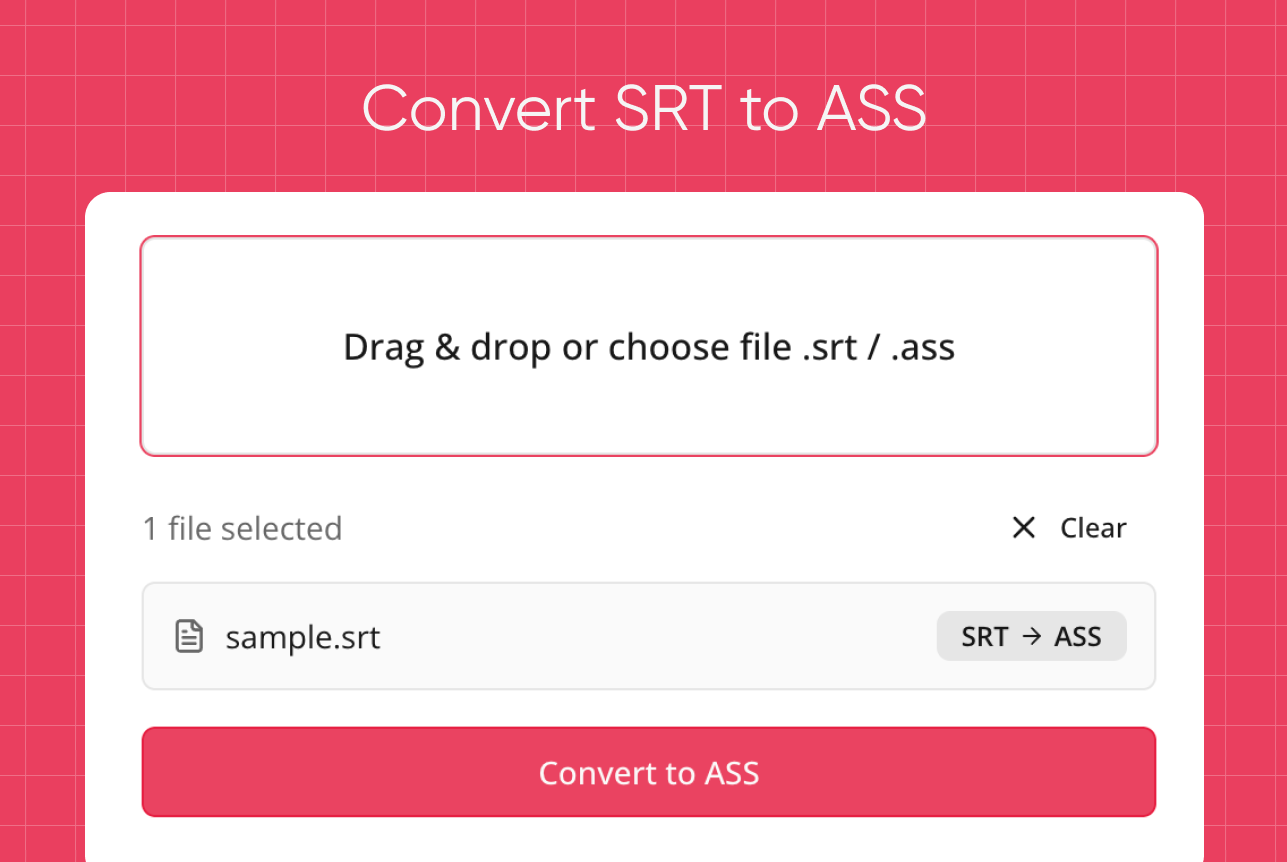
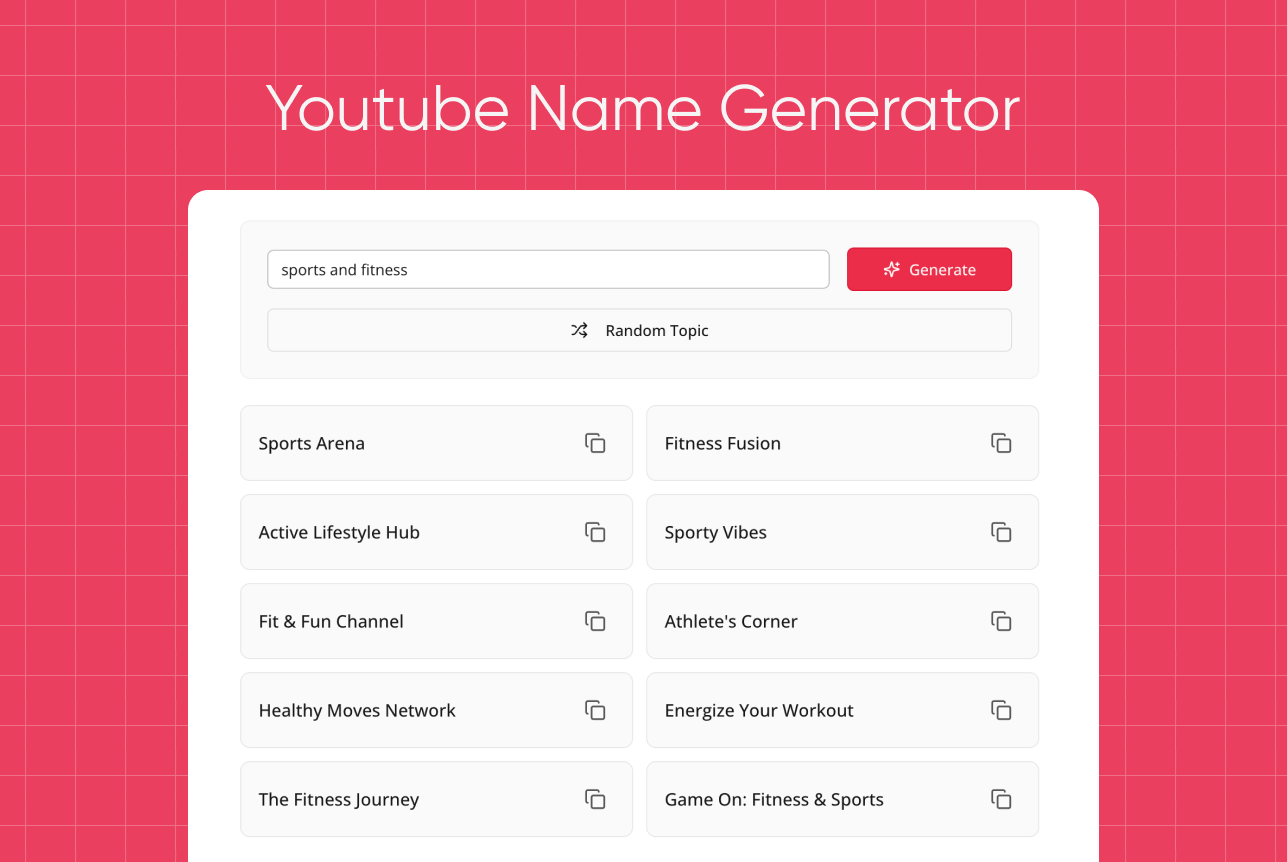
Try our other free tools
"App always works"
"Super fast!"
"It installs with just 1 click"
YouTube Caption Downloader — User Reviews
⭐️⭐️⭐️⭐️⭐️ 4.9 200,000+ users

Ahmet Akın
I really liked it and I recommend it!

Antoine Pierre
This website is helping me soo much in school when I do not understand some videos

Dero Zuhaib
Excellent Job! Most easy way to understand anything.

Tassawer Amir
AMAZING EASY AND FREE!

Gaurav
Excellent, it’s Tran scripting hours of busy schedule to seconds. Thanks a lot to the person who developed and shared it.

Dorian S
Works beautifully. Highly accurate for many of my videos. I recommend.

Deepak
Great tools very accurate I just love it, reccomend everyone who love to write, read and create meaningfull content

Mateus
Excellent Job! Most easy way to understand anything.

Jorge
Very useful in studying videos especially for longer videos and want to take notes.
FAQ — Download Subs From YouTube
- How to add subtitles to YouTube video?
Upload your SRT in YouTube Studio → Subtitles.
- How to turn off subtitles on YouTube?
Click CC to disable captions.
- How to turn on subtitles on YouTube?
Press CC to enable subtitles.
- How do you take subtitles off YouTube?
Turn captions off through the CC control.
- How to download subtitles from YouTube?
Paste a link into our Caption Downloader Youtube and click Download.
- How to remove subtitles on YouTube?
Disable captions in settings.
- How to stop subtitles on YouTube?
Toggle CC off to fully stop captions.