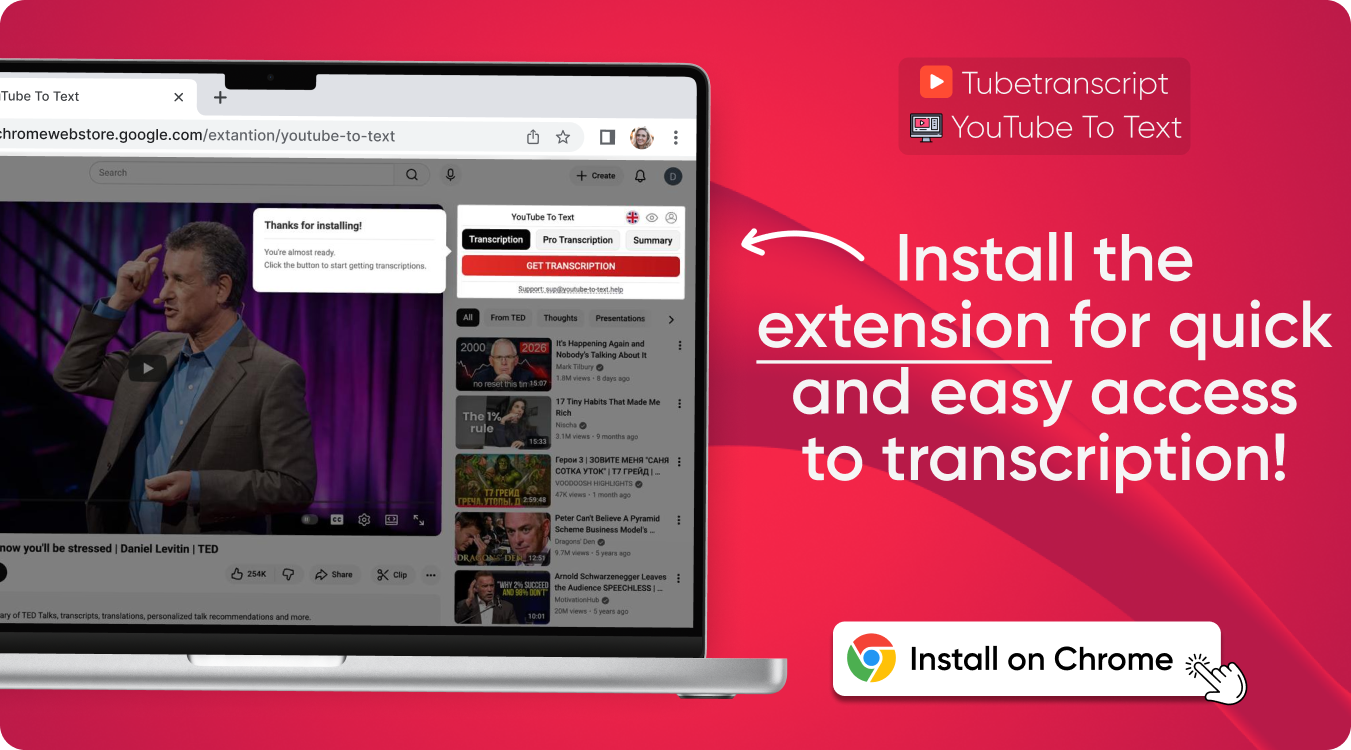

extension
Free tool
YouTube Description Generator
Create clear, strong, and optimized descriptions for any YouTube video. Fast, accurate, and easy — just enter your title or topic and generate a ready-to-use description instantly.
Smart Description Generator for YouTube Videos
Our tool helps you write accurate and structured video descriptions that improve visibility and engagement. It supports different styles and formats, making it useful for creators, marketers, and brands. The system can also enhance workflows used by ai youtube description generator tools.
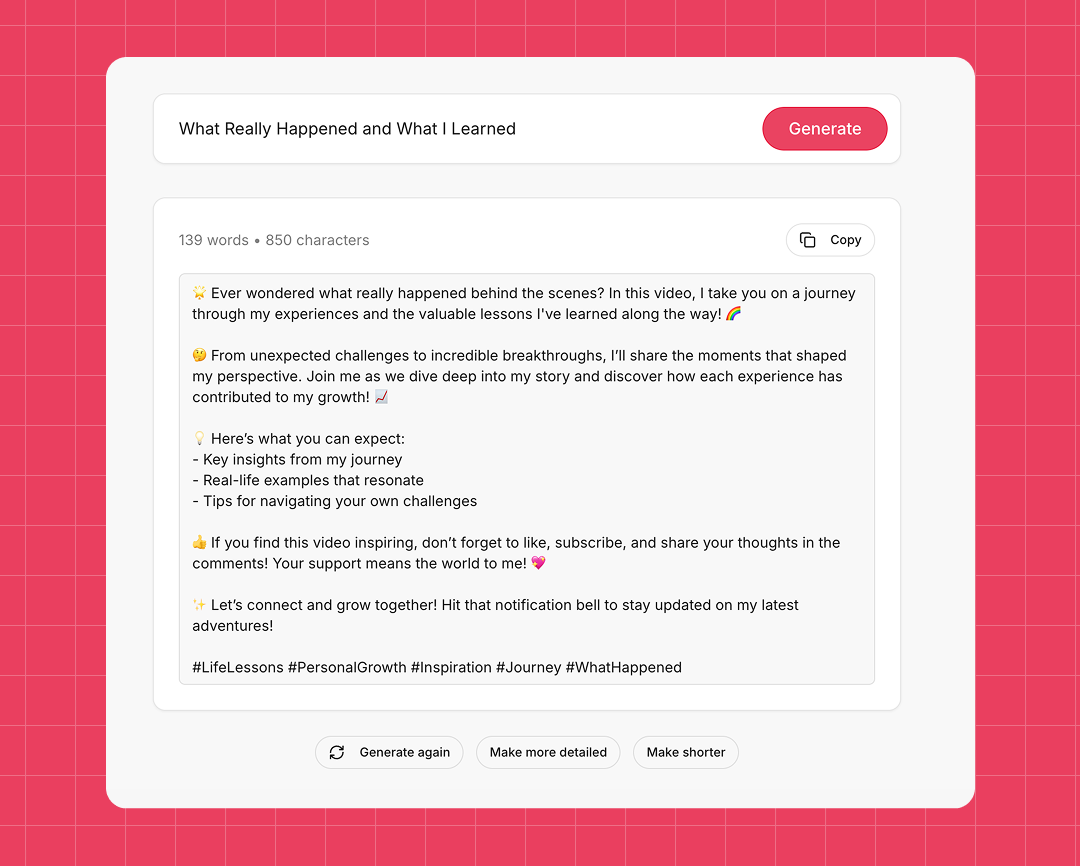
Generate descriptions based on your video title
Enter the name, theme, or main topic of your video — and get a clean, optimized description ready to publish.

Instantly rewrite and enrich your descriptions
Improve old descriptions by adding keywords, clarity, and context. Perfect for refreshing older uploads or improving ranking.
Flexible output styles for any channel
Choose simple, detailed, SEO-rich, or storytelling formats. Great for creators who use tools like youtube description generator ai to experiment with different tones.
How to Use the YouTube Video Description Generator
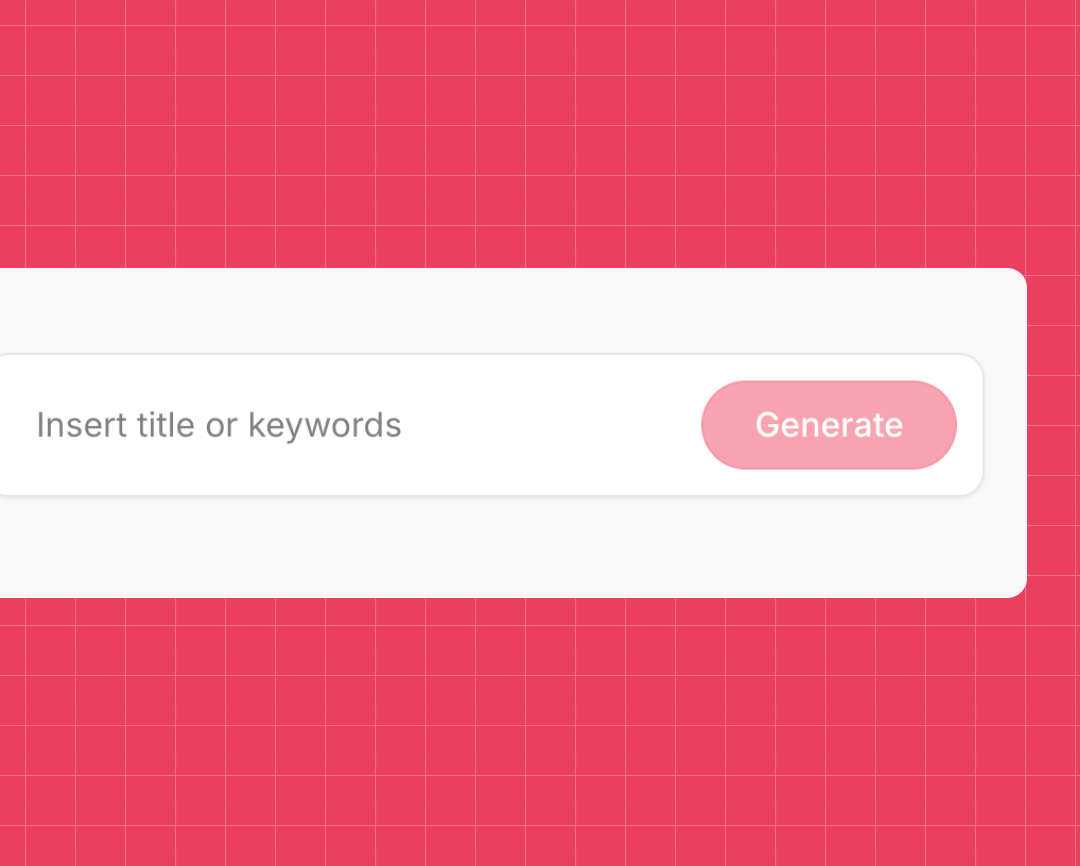
- Paste your title or topic into the box
- Сlick “Generate,” and receive a ready-to-publish description.
You can also compare results with formats offered by youtube description maker tools for more ideas.
Create Better Videos With the AI Video Description Generator
No sign-up required
Start writing instantly — similar to fast, simple youtube description generator free tools.
Fast and accurate results
Descriptions generate in seconds, ideal for creators producing multiple videos or testing formats used in yt description generator platforms.
Powerful SEO-friendly structure
The tool helps improve watch-time and search visibility by creating descriptions based on proven structure.
Supports all content types
Long videos, Shorts, tutorials, vlogs — everything works smoothly, similar to advanced ai youtube video description generator engines.
Clean formatting
The tool follows YouTube’s formatting rules and supports additional fields for links, hashtags, timestamps, and CTAs.
Works in multiple languages
Use it globally — including styles and structures similar to youtube video description generator free tools.
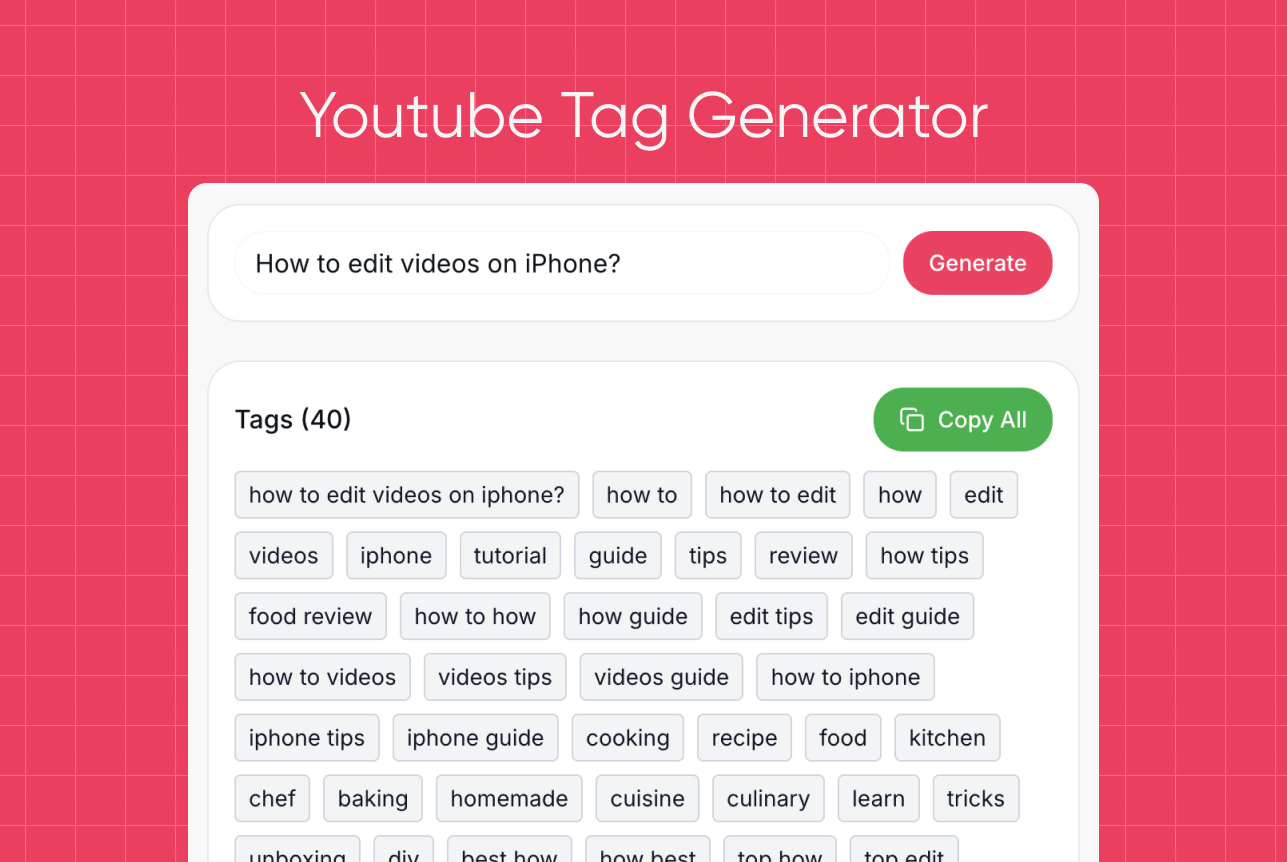
Try our other free tools
"App always works"
"Super fast!"
"It installs with just 1 click"
Clear Descriptions Made Easy With Description Generator YouTube
⭐️⭐️⭐️⭐️⭐️ 4.9 200,000+ users
A
Ahmet Akın
I really liked it and I recommend it!

Antoine Pierre
This website is helping me soo much in school when I do not understand some videos

Dero Zuhaib
Excellent Job! Most easy way to understand anything.

Tassawer Amir
AMAZING EASY AND FREE!

Gaurav
Excellent, it’s Tran scripting hours of busy schedule to seconds. Thanks a lot to the person who developed and shared it.

Dorian S
Works beautifully. Highly accurate for many of my videos. I recommend.

Deepak
Great tools very accurate I just love it, reccomend everyone who love to write, read and create meaningfull content

Mateus
Excellent Job! Most easy way to understand anything.

Jorge
Very useful in studying videos especially for longer videos and want to take notes.
FAQ — AI Description Generator for YouTube
- Does putting tags in youtube description work?
Tags in the description may help contextually, but YouTube prioritizes titles, tags, and captions. Descriptions mainly help users understand your topic.
- How to put a link in youtube description?
Simply paste any URL into the description field — YouTube automatically converts it into a clickable link.
- How to write youtube shorts description?
Keep it short, clear, and direct. Shorts show fewer characters, so place key info at the beginning.
- Where is the description box in youtube?
When uploading or editing a video, the description box is at the top of the “Details” tab in YouTube Studio.
- How to add description to youtube shorts?
Upload a Short → go to “Details” → add text in the description field before publishing.
- How to write a youtube channel description?
Summarize what your channel is about, who it’s for, and what viewers can expect.
- How to edit youtube description?
Open your video in YouTube Studio → Details → edit the description field → Save.
- How to add timestamps to youtube video description?
Add timecodes manually (e.g., 0:00 Intro). YouTube recognizes the format automatically.
- How to change description on youtube?
Open YouTube Studio → select the video → edit the description → save changes.