
extension
Free tool
Video Splitter
Easily cut long videos into smaller segments for editing, sharing, or publishing. This tool helps creators work faster without complex setup.
A Website That Splits Videos Into Parts
This tool works as a simple online solution for creators who need fast video processing. It allows you to upload a file or paste a link and instantly start working, making it a practical alternative to heavy Video Splitter Software.
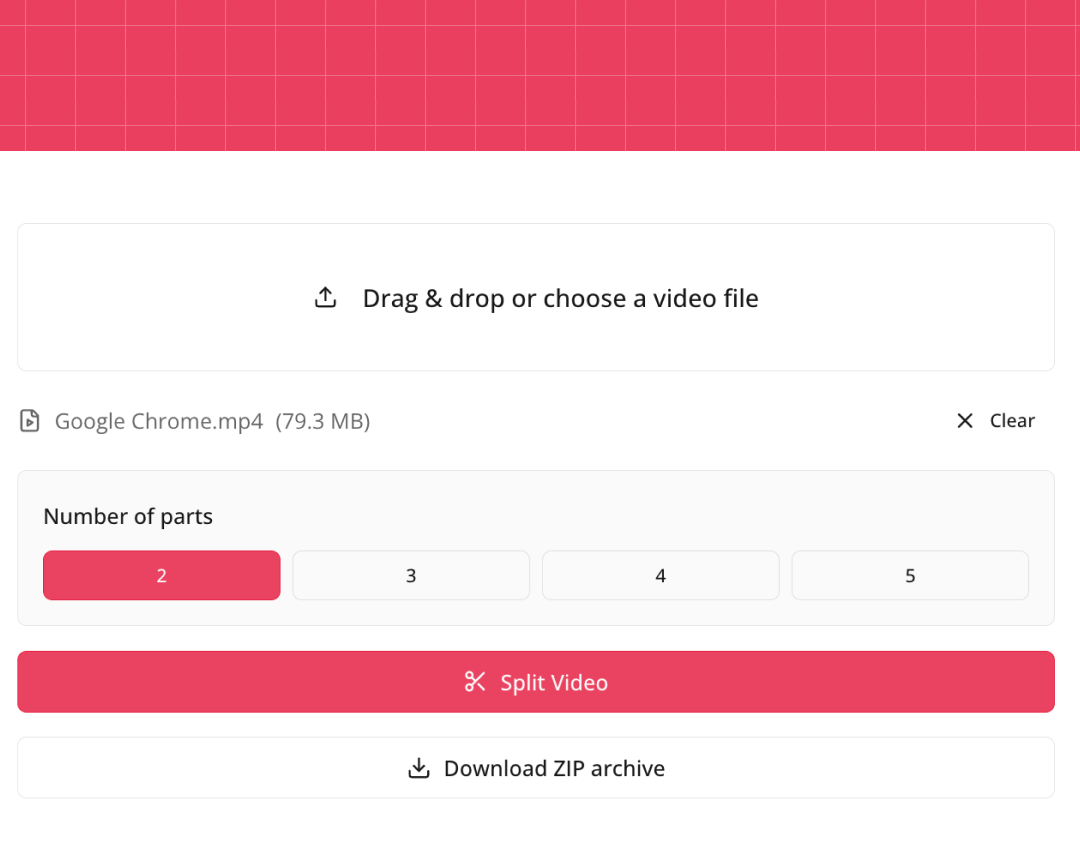
Upload a video
Works with files, including workflows similar to Video Splitter Online URL tools.
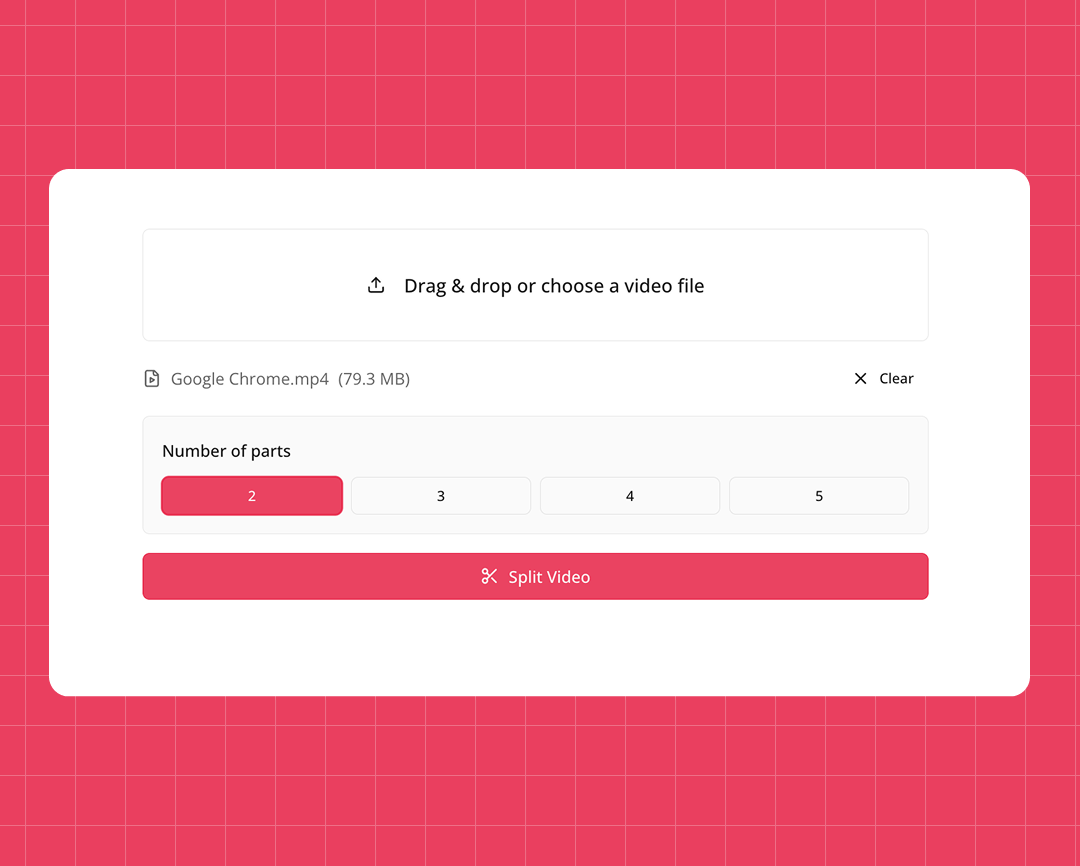
Automatic scene handling
The system processes clips cleanly, helping you Split Videos without quality loss.
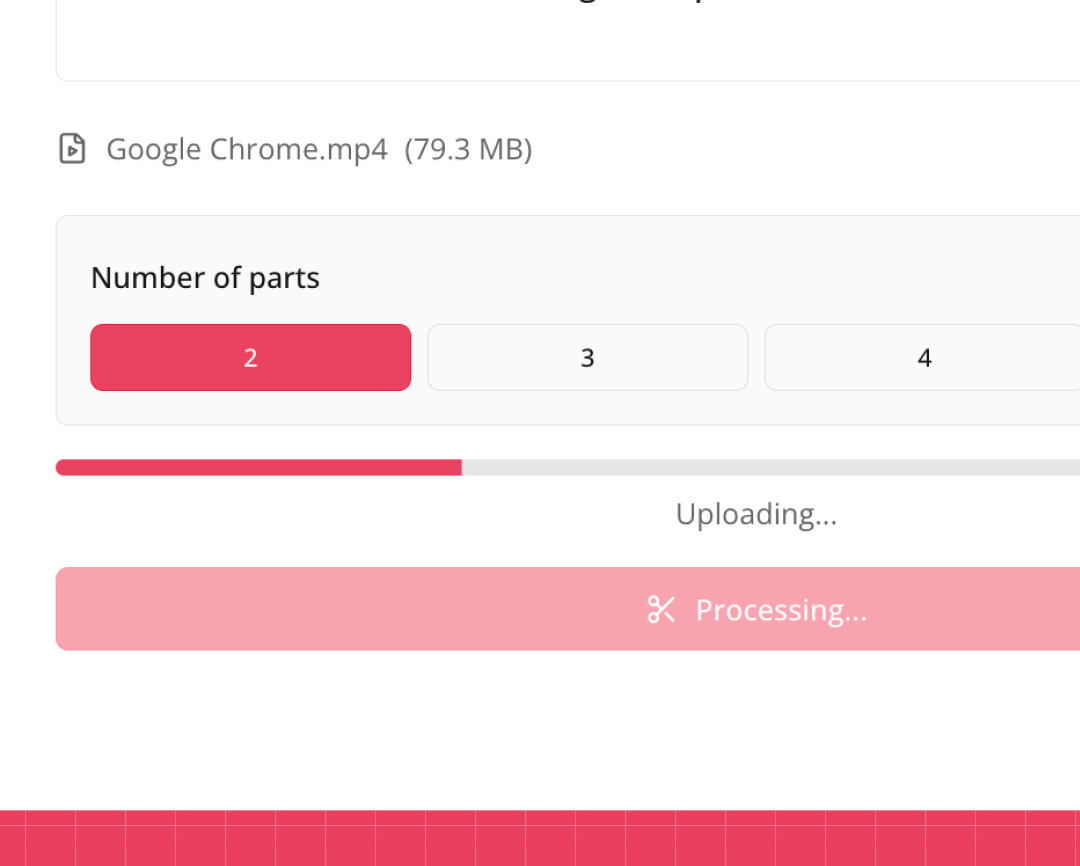
Fast processing
Designed to handle large files smoothly, even when you need to Break Video Into Parts quickly.
Use Our Video Splitter Online in a Few Steps
- Upload your video or paste the link.
- Select the timestamps where you want to cut.
- Click Split and process the file.
- Download the final clips.
This approach lets you Split Video Online without installing apps or plugins.
Split Video Easily Without Complicated Tools
No sign-up required
Start immediately with a Free Video Splitter that works directly in your browser.
Clean and precise cuts
Perfect for trimming content when you need to Cut Video Into Parts accurately.
Lightweight and fast
Optimized for speed, even when performing complex Video Split tasks.
Works on any device
Compatible with desktop and mobile workflows, acting as a modern Video Spliter alternative.
No quality loss
Keeps original resolution and audio intact when you Split Video.
Flexible export
Ideal for creators who regularly Cut Video Into Parts for Shorts, Reels, or chapters.
Try our other free tools

"App always works"
"Super fast!"
"It installs with just 1 click"
Why Creators Choose an Online Video Splitter
⭐️⭐️⭐️⭐️⭐️ 4.9 200,000+ users
A
Ahmet Akın
I really liked it and I recommend it!

Antoine Pierre
This website is helping me soo much in school when I do not understand some videos

Dero Zuhaib
Excellent Job! Most easy way to understand anything.

Tassawer Amir
AMAZING EASY AND FREE!

Gaurav
Excellent, it’s Tran scripting hours of busy schedule to seconds. Thanks a lot to the person who developed and shared it.

Dorian S
Works beautifully. Highly accurate for many of my videos. I recommend.

Deepak
Great tools very accurate I just love it, reccomend everyone who love to write, read and create meaningfull content

Mateus
Excellent Job! Most easy way to understand anything.

Jorge
Very useful in studying videos especially for longer videos and want to take notes.
FAQ — Split Video Into Parts
- How to Split a Video on iPhone
You can use built-in editing tools or an online service to trim clips directly from your browser.
- How to Split a Video Into Parts
Upload the video, choose timestamps, and export multiple clips in one session.
- How to Split a Video Into Two Parts
Select a single cut point and divide the video into two equal or custom segments.
- How to Cut Video in Parts
Use a splitter tool to define multiple cut points and export each segment separately.
- How to Break Up a Video Into Parts
Online tools let you divide long videos into manageable sections without re-encoding.
- How to Cut a Video Into Multiple Parts
Choose several timestamps and generate all clips in one processing step.