
extension
Free tool
SRT to ASS & ASS to SRT Converter
Convert subtitle files between SRT and ASS formats in seconds. The tool keeps timing accurate, structure clean, and works directly in your browser without installing any software.
Fast, Simple, and Reliable SRT 2 ASS Subtitle Converter
Convert your subtitles between SRT and ASS formats effortlessly with predictable, editor-friendly results.
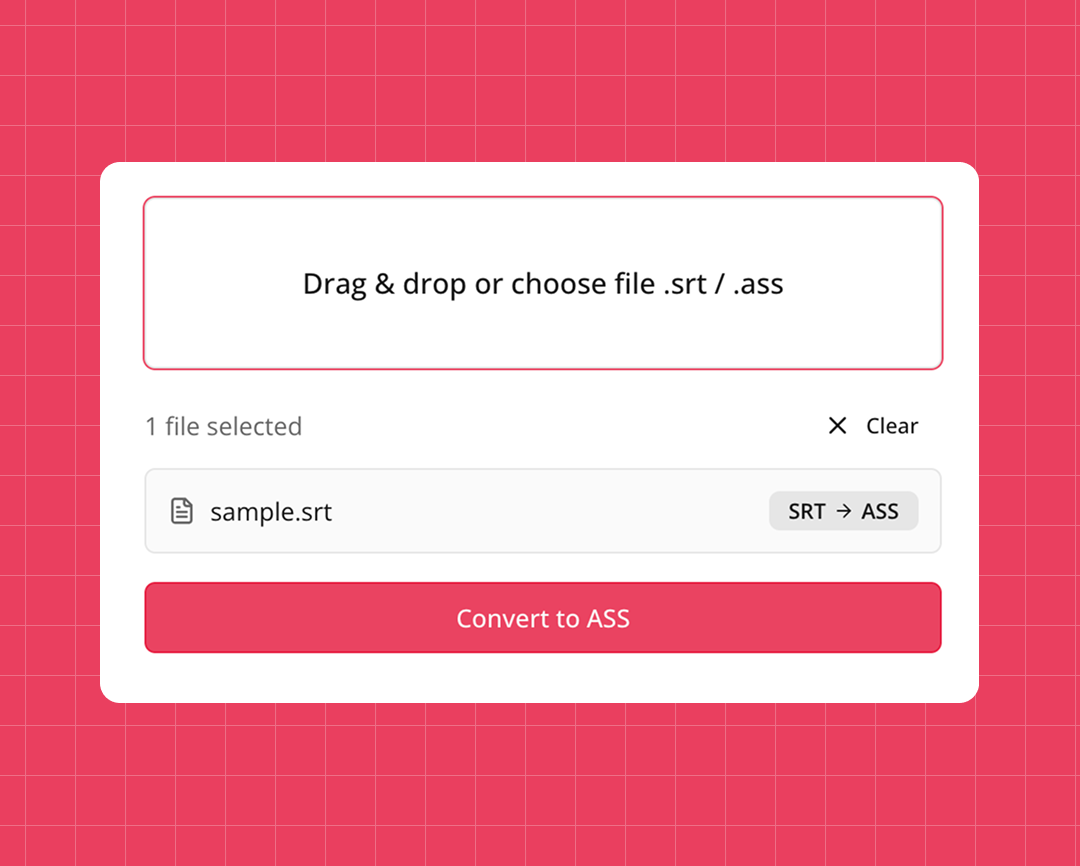
Convert SRT subtitles into styled ASS
Upload your SRT file, choose ASS as the output format, and get a ready-to-use file in seconds. If you ever need to go in the opposite direction, the same interface helps when working with ass to srt workflows in your projects.
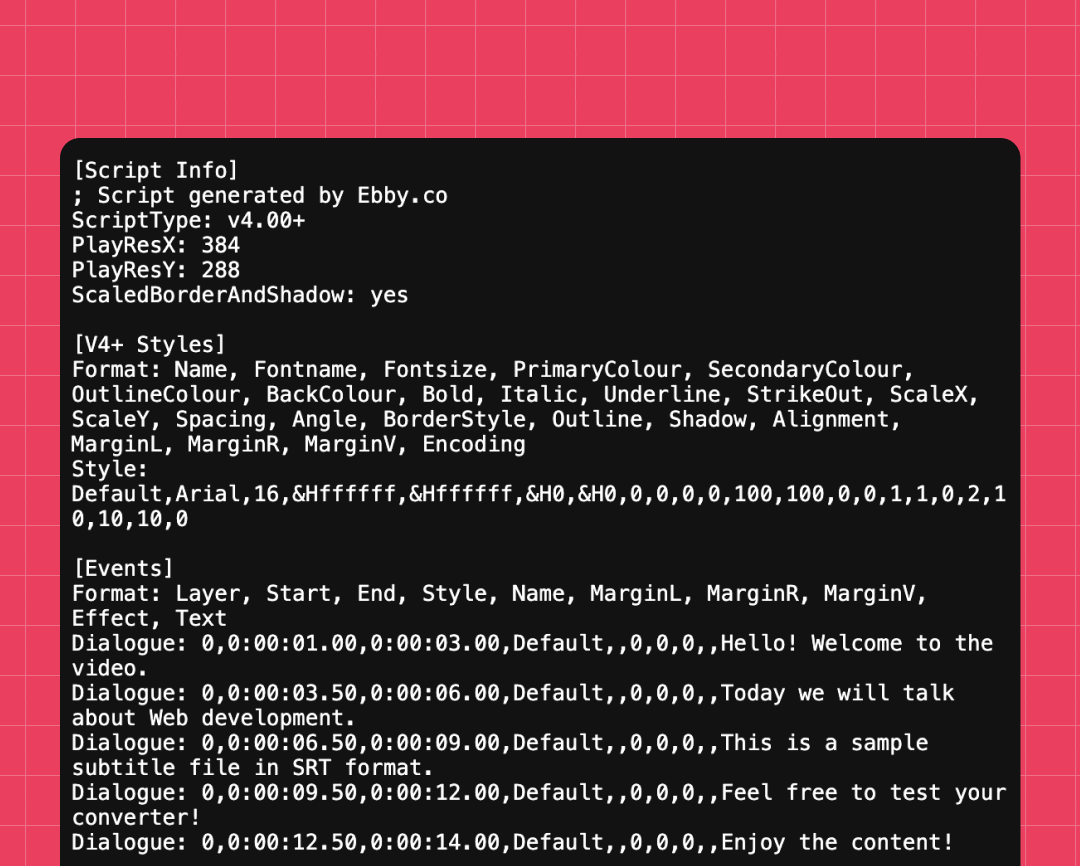
Preserve formatting and timing
The converter respects timecodes and line structure, so you don’t have to fix sync manually after conversion. It works well with complex styling used in the .ass file format, including positioning and basic effects.
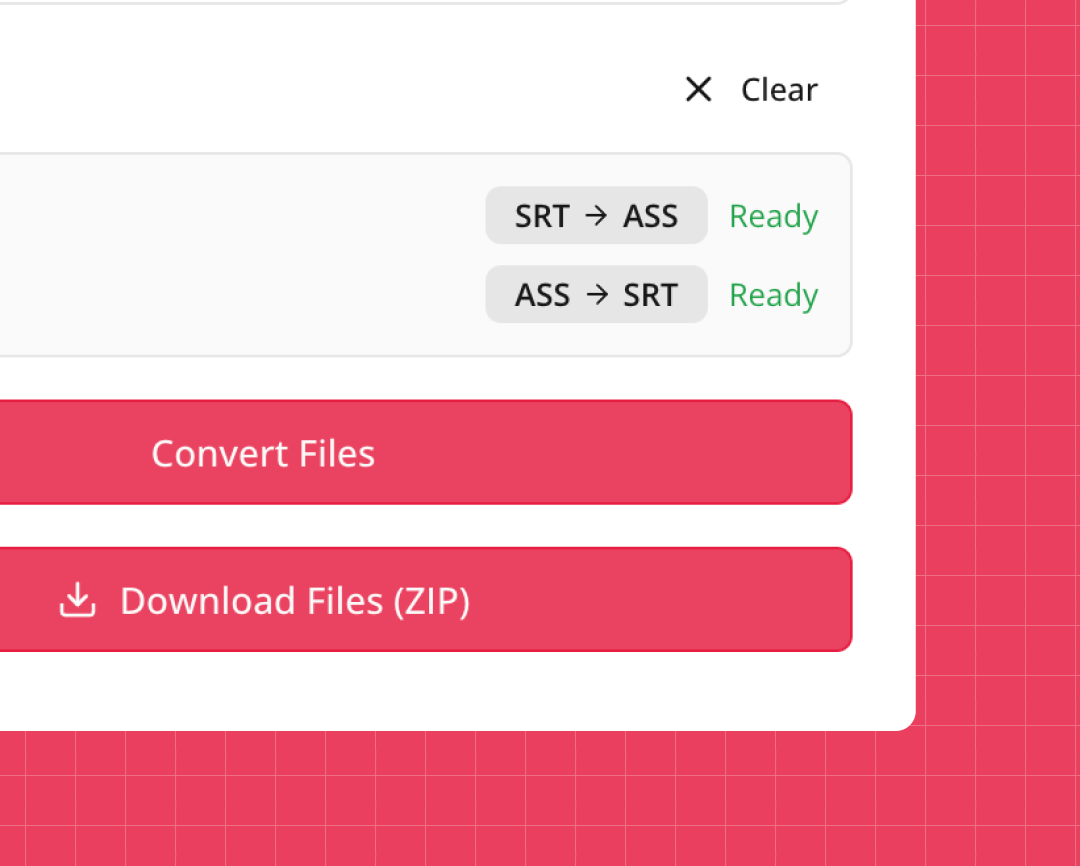
Handle mixed ASS/SRT projects
Useful when you manage both ASS and SRT in the same project — for example, when working with ass srt pipelines, fansubs, or multi-language subtitle packs.
How to Convert .ASS to SRT Step by Step
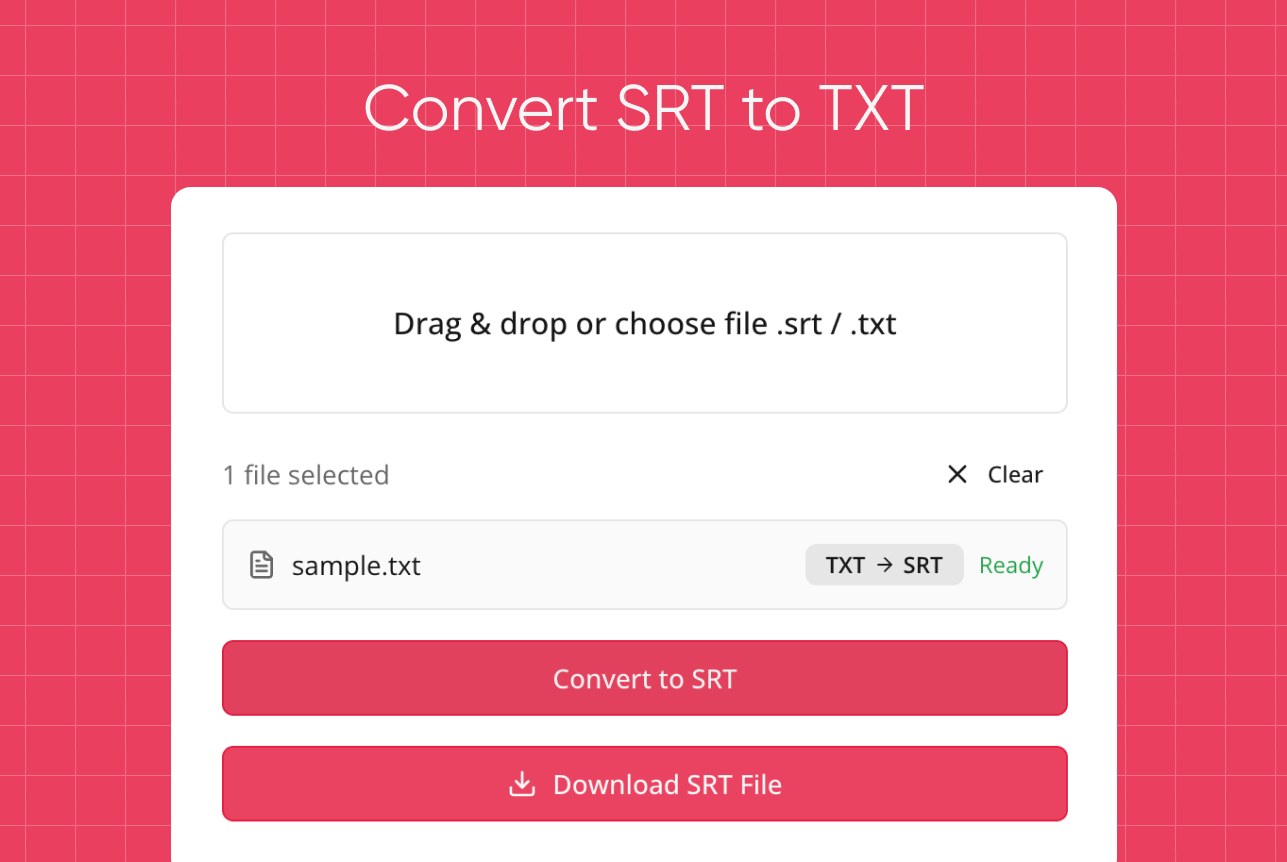
- Upload your SRT or ASS subtitle file.
- Choose the target format you want to get.
- Click the Convert button and wait a moment.
- Download the output file and use it in your player or editor.
This process is straightforward even if you’re used to tools similar to an .ass to .srt converter, but want something simpler and browser-based.

Why Our SRT converter Is a Great Choice
No account or setup required
Use the service instantly in your browser — a practical alternative to installing a desktop ass to srt converter or other heavy tools.
Supports different subtitle workflows
Ideal for editors who handle many formats, including pipelines where you might use a srt to ass converter for styling and later adjust files in your NLE or media player.
Works fully online
Perfect for quick tasks such as convert ass to srt online when you’re on a different machine or don’t have your usual software installed.
Quick conversions for any device
The tool runs in a browser, so you can even perform ass to srt online conversion from a laptop that has no specialized subtitle editors.
Clean and readable output
The converted files remain easy to edit, review, or archive, with consistent structure and timing preserved.
Safe for professional use
Subtitles are processed on the fly and removed after conversion, which is especially important when working on client projects that include sensitive content.
Try our other free tools



"App always works"
"Super fast!"
"It installs with just 1 click"
User Feedback on Our convert ASS to SRT Tool
⭐️⭐️⭐️⭐️⭐️ 4.9 200,000+ users

Ahmet Akın
I really liked it and I recommend it!

Antoine Pierre
This website is helping me soo much in school when I do not understand some videos

Dero Zuhaib
Excellent Job! Most easy way to understand anything.

Tassawer Amir
AMAZING EASY AND FREE!

Gaurav
Excellent, it’s Tran scripting hours of busy schedule to seconds. Thanks a lot to the person who developed and shared it.

Dorian S
Works beautifully. Highly accurate for many of my videos. I recommend.

Deepak
Great tools very accurate I just love it, reccomend everyone who love to write, read and create meaningfull content

Mateus
Excellent Job! Most easy way to understand anything.

Jorge
Very useful in studying videos especially for longer videos and want to take notes.
FAQ About .ASS to .SRT and Subtitle Conversion
- How to make a SRT file?
You can create an SRT file in any text editor by writing numbered blocks with timecodes and subtitle lines, then saving the document with the .srt extension.
- How to convert ASS to SRT?
Upload your ASS file to the converter, choose SRT as the output format, click Convert, and download the new subtitle file.
- How to save an ASS file as an SRT?
Use an online tool or subtitle editor that supports both formats: open the ASS file, select SRT as the export format, and save the converted file.
- How to flip dual subtitles in SRT or ASS?
Open the file in a subtitle editor that shows multiple lines per timecode, reorder or split the lines as needed, then export the updated file.
- How to change ASS to SRT?
Simply import the .ass file into a converter, choose .srt as the target format, run the conversion, and download the resulting SRT.